 blog
blog
Cloud vs Local Storage for Business Surveillance
Table of Contents
- How Local Storage Works for Security Cameras
- How Cloud Storage Works for Security Cameras
- Security Camera Footage Retention: What You Actually Need
- Business Security Camera Bandwidth Requirements
- Cloud Surveillance Storage Costs and Total Cost of Ownership
- Hybrid Cloud Video Surveillance: The Middle Ground
- Cloud vs Local Storage: Which Should Your Business Choose
- Frequently Asked Questions
Last Updated: October 13, 2026
How Local Storage Works for Security Cameras
Local storage records surveillance footage directly onto hardware inside your building. An NVR or DVR stores video files on internal hard drives or SD cards, writing directly to that on-premises device rather than uploading to an external server.
This gives you complete control. Your team accesses footage through a local interface, no internet is required to retrieve recordings, and cameras keep recording to the local device even if your network goes down.
The tradeoff is physical vulnerability. A burglar who finds your NVR can steal it and destroy evidence, hard drives fail without warning, and flooding or fire can wipe out footage.
Local storage works best when your team is on-site frequently and your building is secure. Practices with dedicated IT staff or managed IT partners often prefer local solutions because they can monitor and maintain the equipment directly.
How Cloud Storage Works for Security Cameras
Cloud storage uploads footage to remote servers run by a third-party provider. Cameras send encrypted video streams to data centers, and you access footage through a browser or mobile app from anywhere.
The provider handles infrastructure: server maintenance, drive replacement, and redundancy across data centers. If one server fails, your footage exists on backups. You pay a monthly subscription and they handle the rest.
This convenience comes with ongoing costs. Every camera consumes bandwidth, so your connection must reliably upload continuous streams; if broadband drops, cameras stop uploading. You're also dependent on provider uptime, if their servers go down, you can't access footage until service returns.
Cloud storage works well for multi-site operations. A dental practice with two locations can monitor both from one dashboard, and remote access lets your office manager check cameras from home without complex networking.
Security Camera Footage Retention: What You Actually Need
Retention is the biggest driver of storage cost, and most businesses guess at it.
Step 1, Estimate per-camera daily data. A 1080p camera recording continuously at 15 fps with H.264 compression produces roughly 10 to 15 GB per day; at 30 fps, 20 to 25 GB.
Step 2, Apply your recording mode. Continuous recording captures everything, including empty hallways.
Step 3, Multiply by cameras and retention days. Here is how the numbers land for common configurations:
| Scenario | Cameras | Resolution / fps | Recording mode | Daily storage | 30-day retention | 90-day retention |
|---|---|---|---|---|---|---|
| Small office | 4 | 1080p / 15 | Motion | ~15 GB | ~450 GB | ~1.4 TB |
| Retail store | 8 | 1080p / 15 | Continuous | ~100 GB | ~3 TB | ~9 TB |
| Medical practice | 12 | 1080p / 30 | Continuous | ~270 GB | ~8 TB | ~24 TB |
| Multi-site operation | 24 | 4K / 15 (H.265) | Motion | ~120 GB | ~3.6 TB | ~11 TB |
These are planning estimates, not vendor guarantees. Bitrate settings, scene complexity, and lighting move the number, so confirm against your manufacturer's bitrate calculator before buying drives or committing to a cloud tier.
Step 4, Match retention to obligation, not habit. How long you must keep footage depends on your industry and state rules. Common patterns:
Learn more about our services today! →
- Medical and dental practices: HIPAA does not set a fixed video retention period, but practices commonly retain 30 to 90 days to support incident documentation and internal review. Check your state's medical record retention rules, which can be longer.
- Law firms: 60 to 180 days is a common internal standard to cover discovery windows, though litigation holds can require indefinite preservation once a matter is reasonably anticipated.
- Retail and hospitality: 30 days covers most loss-prevention and slip-and-fall claims, but premises-liability statutes of limitation can run two to three years, so some operators keep longer.
- Financial services: SEC and FINRA recordkeeping rules focus on communications, not video, but firms often align video retention with their broader books-and-records policies.
Retention is not just a storage decision, it is a legal one. Once you are on notice of a claim or investigation, deleting footage on your normal schedule can be treated as spoliation of evidence. Build a litigation-hold process before you need it.
Step 5, Translate storage into cost. Local storage is a one-time drive purchase plus replacement every three to five years: a 4 TB surveillance-grade drive runs roughly $100 to $150, an 8 TB drive $180 to $260.
The businesses that get this right do not pick a retention period first. They calculate storage from camera count, resolution, frame rate, recording mode, and retention days, then choose the deployment model that delivers that capacity at the lowest realistic total cost.
Business Security Camera Bandwidth Requirements
Your internet connection must handle upload demand from all cameras simultaneously.
Most business broadband advertises download speeds but lists upload separately, and upload is typically much lower. If your provider offers 100 Mbps download but only 5 Mbps upload, you cannot reliably stream multiple cameras to the cloud.
Motion-activated recording reduces bandwidth dramatically. Instead of uploading 24/7, cameras only transmit when motion is detected. A typical office building might use 50 to 70 percent less bandwidth with motion-triggered recording compared to continuous streams.
Network congestion matters too. If employees are video conferencing or downloading large files, bandwidth for camera uploads shrinks, and peak hours may leave too little capacity for both.
Cloud Surveillance Storage Costs and Total Cost of Ownership
Per-camera subscription pricing is the number vendors lead with, and the least useful. A real total cost of ownership comparison runs five years and includes hardware, bandwidth, maintenance, replacement, and the retention tier you actually need.
The cost buckets that matter.
- Cameras and installation, roughly the same for cloud and local, so treat it as a constant and exclude it from the comparison.
- Recording hardware, NVR/DVR plus surveillance-grade drives for local; often a cloud gateway or bridge device for cloud.
- Subscription or license fees, per camera per month for cloud, or one-time NVR software licenses for local.
- Bandwidth, the hidden line item. Cloud upload consumes business internet capacity you may already be paying for, and heavy camera counts can force an upgrade to a higher-tier circuit.
- Maintenance and IT labor, drive replacement, firmware updates, troubleshooting, and physical security of the recorder.
- Replacement cycle, drives typically fail or are retired every three to five years; NVRs every five to seven.
- Retention tier, cloud plans price by retention days, so a 90-day plan is materially more expensive than a 7-day plan for the same cameras.
A five-year comparison framework. Use your own quotes, but the structure looks like this for a 12-camera, 30-day-retention deployment:
| Cost category | Local (5-year) | Cloud (5-year) |
|---|---|---|
| NVR / gateway hardware | $800 - $2,500 | $0 - $600 |
| Surveillance drives | $600 - $1,200 (plus one replacement cycle) | Included |
| Subscription / licenses | $0 - $500 one-time | $3,600 - $14,400 ($5-$20/camera/month) |
| Bandwidth upgrade | $0 | $0 - $6,000 if a circuit upgrade is required |
| Maintenance / IT labor | $1,500 - $4,000 | $0 - $1,500 |
| Replacement cycle | $600 - $1,200 | Included |
| Approximate 5-year total | $3,500 - $9,400 | $3,600 - $22,500 |
These ranges are planning estimates from commonly quoted market pricing, not a specific vendor quote. The spread is wide because cloud pricing varies by retention tier and camera count, and local costs depend on whether you already have IT staff.
Where the math flips.
- Low camera count, short retention: Cloud usually wins on total cost because there is no hardware to buy and no drive to replace.
- High camera count, long retention: Local usually wins on total cost because cloud subscription fees scale linearly with cameras and retention days, while a local drive is a fixed cost.
- Multi-site: Cloud's centralized management can offset higher subscription costs by eliminating per-site NVR hardware and the labor to maintain it.
- Unreliable internet: Local wins outright, because cloud is only as good as the upload circuit behind it.
The costs nobody quotes. Local storage carries physical risk: a stolen or destroyed NVR means total loss of footage, and replacement is on you. Cloud carries dependency risk: stop paying and you typically lose access, and exporting large volumes can incur egress or retrieval fees. Both models carry the cost of reviewing footage after an incident, real labor that is rarely budgeted.
Ask every cloud vendor three questions before you sign: What is the per-camera price at my required retention tier, not the entry tier? What are the data egress or export fees? And what happens to my footage if I cancel? The answers often change the five-year total by thousands of dollars.
Learn more about our services today! →
Cloud is not automatically cheaper because there is no upfront hardware, and local is not automatically cheaper because there is no subscription. Build the five-year total across hardware, subscription, bandwidth, maintenance, replacement, and retention tier, then compare.
Hybrid Cloud Video Surveillance: The Middle Ground
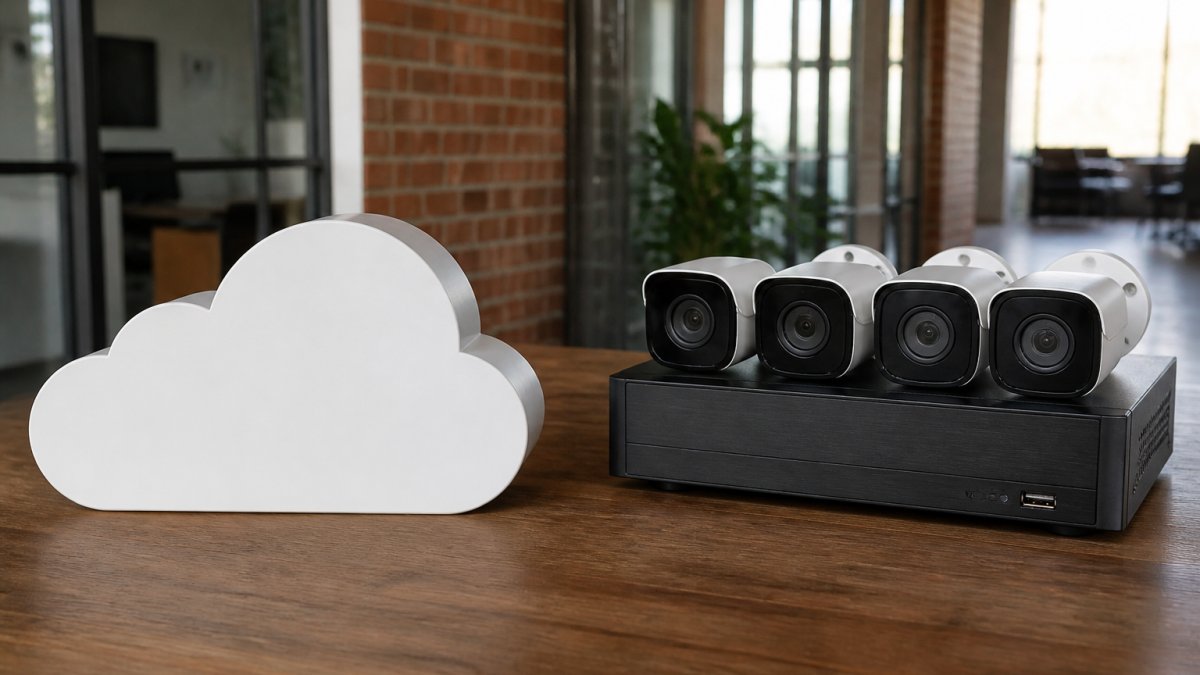
Hybrid systems combine local and cloud storage: cameras record continuously to a local NVR while uploading to the cloud, giving you fast local access to recent footage plus cloud backup for redundancy.
This solves several problems. If your NVR fails, footage still exists in the cloud; if your internet drops, cameras keep recording locally. You access recent footage instantly from the local device and retrieve older footage from the cloud when needed.
Hybrid systems cost more than either option alone, you pay for both local hardware and cloud subscriptions, but you gain local speed and cloud redundancy.
Implementation requires proper network design: cameras must support simultaneous local and cloud recording, and the local device and cloud service must sync so you're not managing two systems.
Cloud vs Local Storage: Which Should Your Business Choose
The choice between cloud vs local storage for business surveillance depends on four factors: your team's technical capacity, your internet reliability, your budget structure, and how often you need remote access.
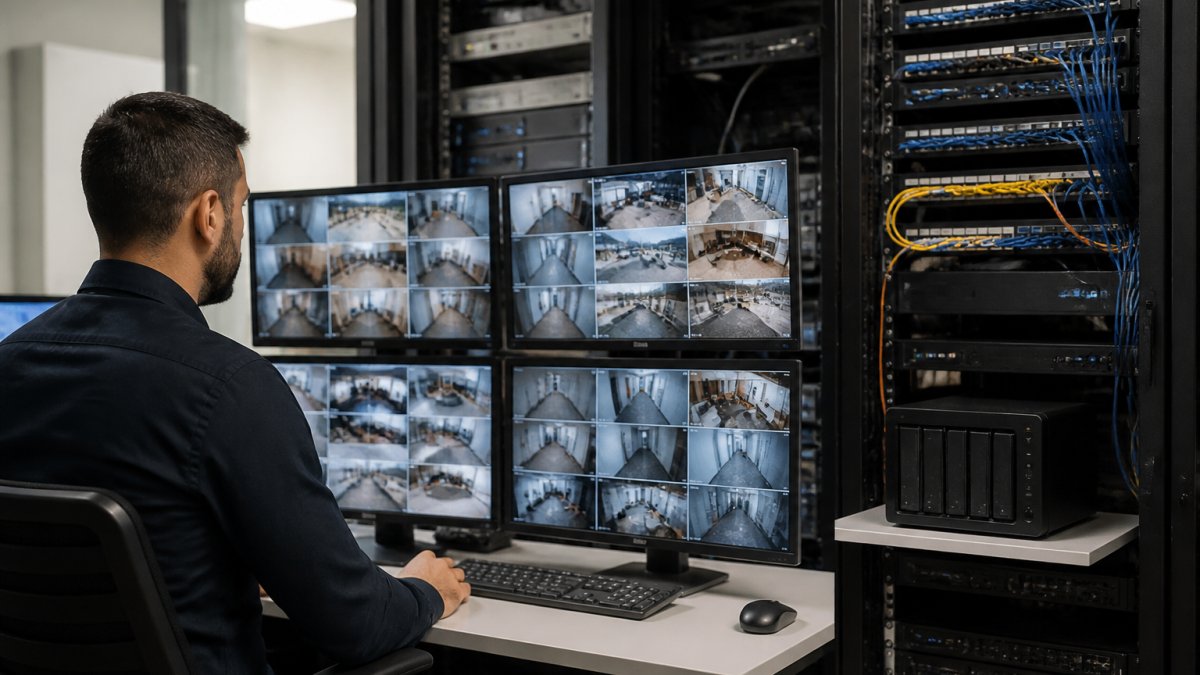
Choose local storage if your team has IT expertise or a managed IT provider, you need reliable broadband but not necessarily high-speed upload, you prefer predictable costs, and you don't need frequent remote access.
Choose hybrid if reliability is non-negotiable and you have budget for both systems.
The technical reality: cloud vs local storage for business surveillance isn't binary. Most growing businesses eventually use both.
Choosing the right surveillance storage strategy protects your business and your team. Computer Experts Corp has helped Bay Area businesses design surveillance systems that fit their actual operations, budget, and growth plans. Our team handles everything from initial system design through ongoing monitoring and maintenance, ensuring your footage is secure, accessible, and compliant with your industry requirements. Learn more about our services today!
Frequently Asked Questions
Can business security cameras record if the internet goes down?
Local storage systems continue recording during internet outages because they store footage directly on on-premises devices like DVRs or NVRs. Cloud storage systems cannot record new footage without an internet connection, though some hybrid setups buffer footage locally and upload when connectivity returns. For businesses that cannot tolerate recording gaps, local storage or a hybrid approach is essential. If you rely entirely on cloud storage, network redundancy and backup internet connections become critical.
How much internet bandwidth do cloud security cameras need?
Bandwidth requirements depend on camera count, resolution, and frame rate. A single 1080p camera recording continuously at 15 fps typically uses 1-2 Mbps upload bandwidth. Four cameras at the same settings need 4-8 Mbps. High-resolution 4K systems can demand 5-10 Mbps per camera. Motion-activated recording reduces bandwidth by 40-60% since the system only uploads when activity occurs. Most businesses with 4-8 standard cameras need 10-20 Mbps dedicated upload capacity to avoid network congestion and ensure reliable cloud uploads.
Is hybrid cloud and local storage a good option for business cameras?
Hybrid cloud video surveillance combines the best of both approaches: local storage provides immediate access to footage and recording during outages, while cloud backup ensures data survives hardware failure or theft. This setup costs more upfront but eliminates the single point of failure present in purely cloud-based systems. Hybrid works well for businesses that need remote access, compliance with data retention rules, and protection against camera theft or system failure. It's especially valuable for multi-site operations that require centralized management with local redundancy.
What are the key differences between cloud storage and local storage for surveillance?
Local storage uses on-premises devices (DVRs, NVRs, or servers) to keep footage on-site, offering immediate access, no recurring fees, and recording during internet outages. Cloud storage uploads footage to remote servers, enabling remote access from anywhere, automatic backups, and centralized multi-site management, but requires reliable internet bandwidth and monthly subscriptions. Local storage gives you data ownership and control but requires hardware maintenance and replacement. Cloud storage shifts maintenance to the vendor but introduces vendor lock-in and ongoing costs. Your choice depends on whether you prioritize control and upfront cost or convenience and remote access.