 comparison
Is Remote Video Monitoring Worth the Cost?
Table of Contents
- What Remote Video Monitoring Is and How It Works
- Remote Video Monitoring Cost: Breaking Down Equipment and Service Fees
- Professional Video Monitoring vs. DIY: Which Fits Your Budget
- Video Surveillance System ROI: What You Actually Save
- Remote Camera Monitoring Service: What to Expect in Response Time and Performance
- Remote Video Monitoring vs. On-Site Security Guards: The Real Numbers
- Is It Worth It? Making the Decision for Your Business
- Frequently Asked Questions
Last Updated: October 12, 2026
What Remote Video Monitoring Is and How It Works
Remote video monitoring is the practice of using security cameras connected to cloud-based systems or professional monitoring services to watch your property in real time from anywhere. Unlike traditional CCTV systems that record locally, remote video monitoring streams footage to servers you access via smartphone, tablet, or computer. The system captures video, stores it securely, and alerts you to motion, intrusions, or other security events as they happen.
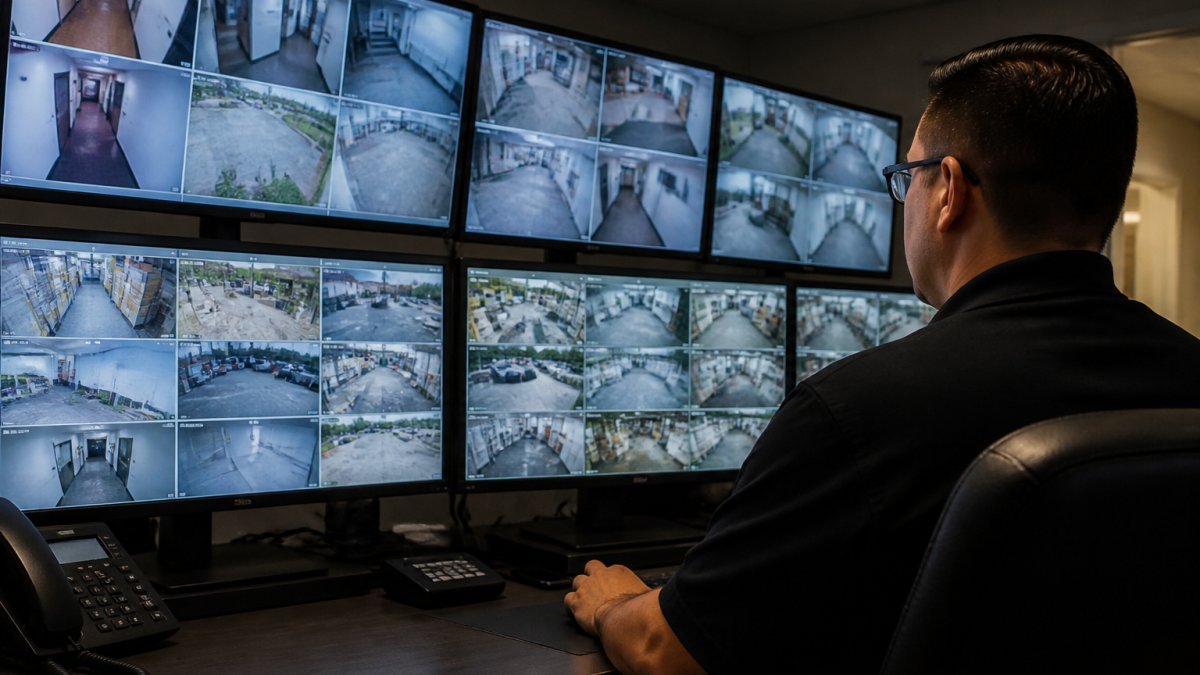
Most remote video monitoring setups include several core components. Security cameras (typically IP cameras) capture video and transmit it over your internet connection. A video management system organizes, stores, and retrieves footage. Professional monitoring services employ trained operators who review alerts, verify incidents, and contact authorities when needed. Some systems offer DIY monitoring where you receive alerts directly without a human monitor involved.
The technology works because cloud storage eliminates the need for expensive on-site servers. Your cameras stay connected to the internet, continuously sending encrypted data to secure data centers. When motion is detected or an alarm is triggered, the system immediately notifies you and your monitoring service. This real-time alerting is what separates remote video monitoring from simple recording systems that capture footage but don't actively watch for threats.
Remote Video Monitoring Cost: Breaking Down Equipment and Service Fees
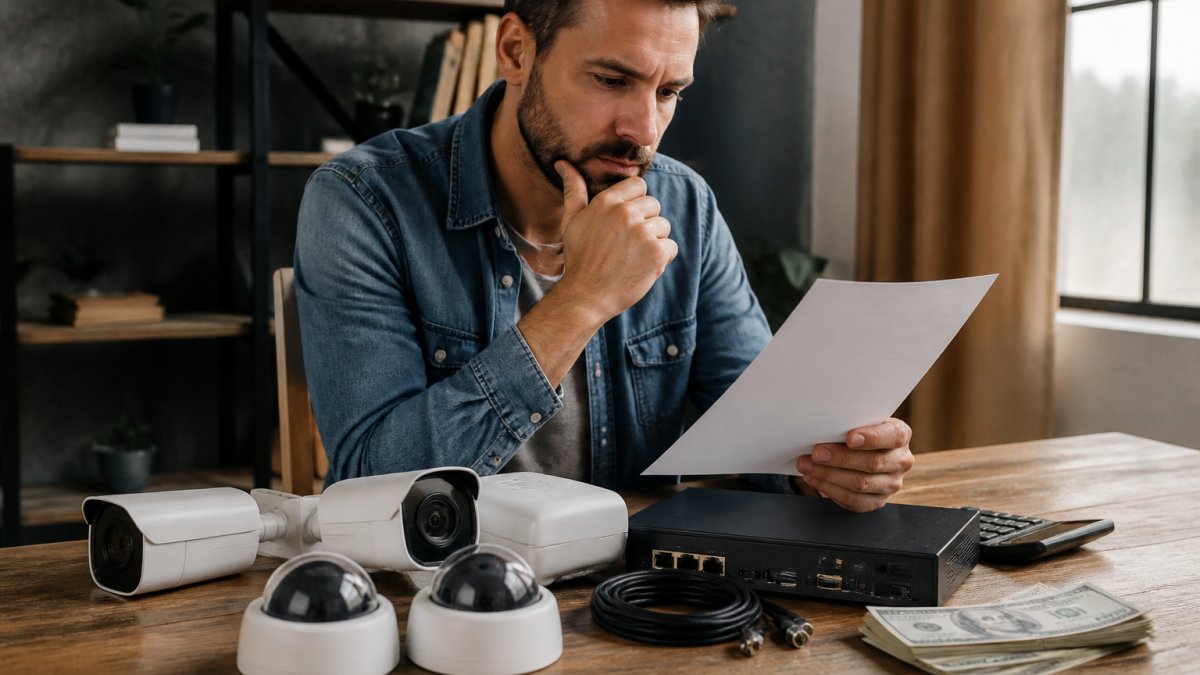
The total cost of remote video monitoring depends on several factors that vary widely based on your needs. Equipment costs, service fees, installation, and ongoing maintenance all contribute to your final expense.
Equipment costs typically include cameras, recording devices or cloud subscriptions, and networking hardware. A single modern IP security camera ranges widely depending on resolution and features. Professional-grade systems require multiple cameras, which multiplies your upfront investment. Some systems use existing internet infrastructure, while others require network upgrades to handle video bandwidth.
Professional monitoring service fees are usually charged monthly per camera or as a flat monthly rate. These fees cover 24/7 human monitoring, alarm verification, emergency response coordination, and customer support. The cost structure varies significantly between providers based on response speed guarantees and service level agreements.
Installation costs depend on whether you handle setup yourself or hire professionals. DIY installation saves money but requires technical knowledge. Professional installation ensures proper camera placement, network configuration, and system integration but adds labor costs upfront.
Hidden costs to consider include internet bandwidth upgrades if your current connection cannot handle video streaming, backup power systems for continuous operation during outages, and regular maintenance or camera replacement. Storage costs vary, some services include unlimited cloud storage while others charge per gigabyte.
The key is understanding what you're actually paying for. Some providers bundle equipment, installation, and monitoring into one package. Others separate these costs so you can see exactly where your money goes.
Professional Video Monitoring vs. DIY: Which Fits Your Budget
The choice between professional monitoring and DIY monitoring fundamentally changes your cost structure and the level of protection you receive.
DIY monitoring means you receive alerts directly when motion is detected or alarms trigger. You respond to alerts yourself, review footage, and decide whether to contact police. This approach eliminates the monthly professional monitoring fee, making it significantly cheaper month-to-month.
Professional monitoring means trained operators watch your system around the clock. When an alert occurs, a human verifies the incident before contacting authorities. This verification step reduces false alarm responses, which many jurisdictions now charge for. Professional monitors follow established protocols and have authority to dispatch emergency services immediately.
The cost difference is substantial. DIY systems might cost only equipment and cloud storage, potentially $50-150 per month for a small business. Professional monitoring typically adds $25-100+ monthly per camera depending on service level. Over a year, professional monitoring can cost several hundred dollars more.
However, professional monitoring often prevents losses that exceed its cost. A verified break-in alert means police arrive faster. Faster response means less theft, less vandalism, and potentially less property damage. For businesses with high-value inventory or critical operations, professional monitoring's verification and response capabilities often justify the added expense.
The decision depends on your availability, the value of what you're protecting, and your risk tolerance. Small offices with minimal after-hours activity might use DIY monitoring. Medical practices, law firms, and retail locations typically benefit from professional monitoring's immediate verification and response.
Video Surveillance System ROI: What You Actually Save
Calculating return on investment for remote video monitoring requires looking beyond the monthly bill. The real value comes from losses prevented, faster incident response, and operational improvements.
Loss prevention is the primary ROI driver. A visible camera deters theft and vandalism, potential criminals choose easier targets. When theft or break-ins do occur, recorded footage helps recover stolen items, identify perpetrators, and support insurance claims.
Operational benefits extend beyond security. Video footage documents customer interactions, employee conduct, and facility conditions. Retail businesses use footage to resolve customer disputes and prevent fraudulent claims. Medical and legal practices use systems to verify who accessed sensitive areas and when.
Faster incident response means less damage. Professional monitoring's verification process ensures police aren't responding to false alarms. When real incidents occur, immediate notification and response prevent escalation. A break-in detected within minutes results in less theft than one discovered the next morning.
Avoided losses accumulate quickly. A single prevented burglary might save tens of thousands in stolen equipment, inventory, or data. A documented workplace incident prevents costly litigation. Insurance claim recovery enabled by clear footage saves deductibles and prevents rate increases.
The challenge is quantifying these benefits. You cannot know how many crimes were prevented by your system's presence. You cannot measure losses that never occurred. However, businesses that have experienced theft or vandalism can calculate direct savings when similar incidents are prevented after installing monitoring.
When you can document prevented incidents and insurance savings, the ROI calculation becomes clear.
Remote Camera Monitoring Service: What to Expect in Response Time and Performance
Response time and system reliability directly affect whether your monitoring investment actually protects you. Understanding service level agreements and realistic performance expectations is critical before committing to a service.
Response time varies by service tier. Basic monitoring might guarantee a human response within 5-10 minutes of alert verification. Premium services often guarantee response within 2-3 minutes. These timeframes matter, a 10-minute delay versus a 2-minute response can mean the difference between an attempted break-in and a completed theft.
Learn more about our services today! →
Uptime guarantees typically range from 99% to 99.9%. This sounds excellent until you calculate what it means. A 99% uptime guarantee allows approximately 3.6 hours of downtime annually. A 99.9% guarantee allows 8.7 hours annually. During downtime, your system cannot send alerts or record footage.
False alarm rates reveal service quality. Professional monitoring services verify alerts before dispatching police, reducing false dispatches. However, some systems generate excessive false alarms due to poor camera placement, motion-sensitive settings, or environmental factors.
Actual performance often differs from advertised guarantees. Network outages, power failures, and equipment failures interrupt service. Cloud providers experience occasional outages that affect multiple customers simultaneously. Some services handle these gracefully with automatic failover; others leave you without monitoring until service restores.
Before selecting a service, review their actual performance data if available. Ask for references from similar businesses and contact them about real-world reliability. Understand what happens when their system fails, do you have backup monitoring or recording? Request specific details about their data center redundancy and backup systems.
Remote Video Monitoring vs. On-Site Security Guards: The Real Numbers
Comparing remote monitoring to hiring on-site security guards reveals why many businesses choose monitoring, the math often favors it dramatically.
On-site security guard costs start with salary. A full-time security guard typically costs $35,000-$55,000 annually in the Bay Area, plus benefits, payroll taxes, and workers' compensation insurance. This covers only one guard during one shift.
Remote monitoring costs typically range from $25-$100+ monthly per camera, depending on service level. A five-camera system with professional monitoring might cost $150-$500 monthly, or $1,800-$6,000 annually.
Operational differences matter beyond raw cost. A security guard provides physical presence and can intervene directly. However, guards get tired, distracted, or leave posts. Monitoring systems never sleep and never miss alerts.
Response capability differs significantly. A guard inside a building might respond within seconds to an incident. Remote monitoring relies on police response, which typically takes 5-15 minutes. For immediate physical intervention, on-site guards win.
Liability considerations favor monitoring. A security guard's actions create liability, if they injure someone, your business faces lawsuits. A monitoring system records what happened without creating new risks.
For most small businesses, remote monitoring is cost-effective compared to hiring guards. A five-camera system with professional monitoring costs a fraction of one full-time guard.
Is It Worth It? Making the Decision for Your Business
Whether is remote video monitoring worth the cost depends on three factors: what you're protecting, your actual risk level, and your budget for security.
Assess your actual risk. Businesses in high-crime areas face different threats than those in safe neighborhoods. A retail store with high-value inventory faces different risks than an office with mostly computers and furniture.
Calculate your potential losses. What would a single break-in cost you? Stolen inventory plus replacement cost plus business interruption? A documented incident enabling insurance fraud recovery? Data breach exposing patient or client information?
Consider your operational needs. Do you need 24/7 monitoring or only after-hours? Do you need professional monitoring or will DIY alerts suffice? Do you need high-resolution footage for identification or just motion detection? These choices dramatically affect cost.
Evaluate your alternatives. Before committing to remote monitoring, consider other security measures. Better lighting, reinforced doors and windows, alarm systems, and access controls often prevent incidents at lower cost.
Review service quality carefully. The cheapest monitoring service isn't always the best value. A service with poor response time or frequent outages might cost less monthly but provide minimal actual protection.
For most businesses that have experienced loss or operate in higher-risk environments, is remote video monitoring worth the cost, the answer is yes. The technology has matured enough that reliability is generally good, and professional monitoring services provide genuine 24/7 protection.
At Computer Experts Corp, we help Bay Area businesses evaluate whether remote video monitoring makes sense for their specific situation.
Frequently Asked Questions
Is remote video monitoring cheaper than hiring security guards?
Remote video monitoring typically costs less than full-time on-site security staff when you factor in salary, benefits, and overtime. However, total cost depends on your property size, camera count, and monitoring service tier. Professional monitoring services charge per-camera monthly fees plus equipment costs, while guards require continuous payroll. For small to medium properties, remote video monitoring often delivers lower total cost of ownership, but you sacrifice physical presence and immediate on-site response.
What factors affect the cost of remote video monitoring?
Primary cost drivers include the number of cameras, video recording quality and storage duration, whether you choose professional 24/7 monitoring or self-monitoring, cloud storage versus local storage, camera type (standard CCTV versus advanced analytics), installation complexity, and service contract length. Additional factors are uptime guarantees, false alarm response policies, and integration with your existing network infrastructure. Scalability also matters: adding cameras later may cost more than including them in the initial setup.
What should I look for in a remote camera monitoring service?
Evaluate response time guarantees, uptime commitments (typically 99.9% or higher), false alarm handling procedures, video retention policies, and data compliance standards. Verify whether the provider offers local support and on-site installation, check their incident verification process, and understand what happens if they miss response time commitments. Review contract terms for hidden escalation fees, equipment replacement costs, and early termination penalties. Ask for references from businesses similar to yours.
Can remote video monitoring actually prevent theft or vandalism?
Remote video monitoring deters crime through visible cameras and the knowledge that incidents are being recorded and monitored. Studies show visible security cameras reduce theft and vandalism risk, particularly when combined with rapid incident response and alarm verification. However, deterrence depends on whether potential offenders believe monitoring is active. Professional monitoring services improve prevention by enabling faster police dispatch and providing evidence for prosecution. Recorded footage alone does not prevent loss but supports recovery and legal action after an incident occurs.
When a security incident occurs, the cost of response and recovery often exceeds what you'd spend on monitoring for several years. The decision ultimately comes down to your risk tolerance and the value of what you're protecting. For most businesses, remote monitoring provides genuine peace of mind at a cost that's difficult to justify ignoring.