 how-to
How Long Does Surveillance Installation Take?
Table of Contents
- How Long Does Surveillance Installation Take? Time Estimates by System Size
- What Happens During the Security Camera Installation Process
- Factors That Extend Surveillance Installation Time
- Security Camera Placement Tips That Save Time and Improve Coverage
- DIY vs. Professional Installation: Time, Tools, and Trade-offs
- Security Camera System Setup and Testing After Installation
- Conclusion: Planning Your Surveillance Installation Timeline
- Frequently Asked Questions
Last Updated: October 5, 2026
How Long Does Surveillance Installation Take? Time Estimates by System Size
Most surveillance installation takes four to eight hours for a typical small business system, according to installer guidance compiled by the Security Industry Association.
Surveillance installation is the process of mounting cameras, running power and network connections, configuring a recorder, and testing coverage so the system captures usable footage.
Here is the part most guides skip: the cameras are rarely the slow part. Cabling, drilling, and building layout decide your timeline.
Below, we break down real time estimates by system size, explain what stretches a job past its estimate, and show what happens on installation day.
Residential vs. Commercial Installation Timelines
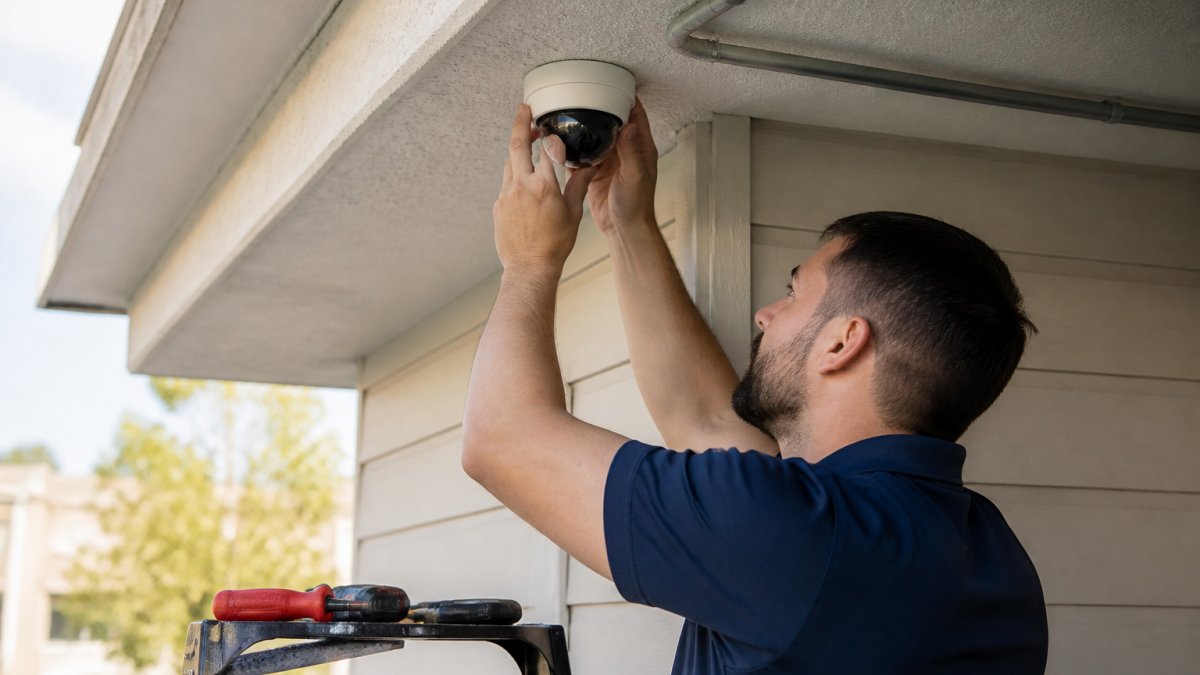
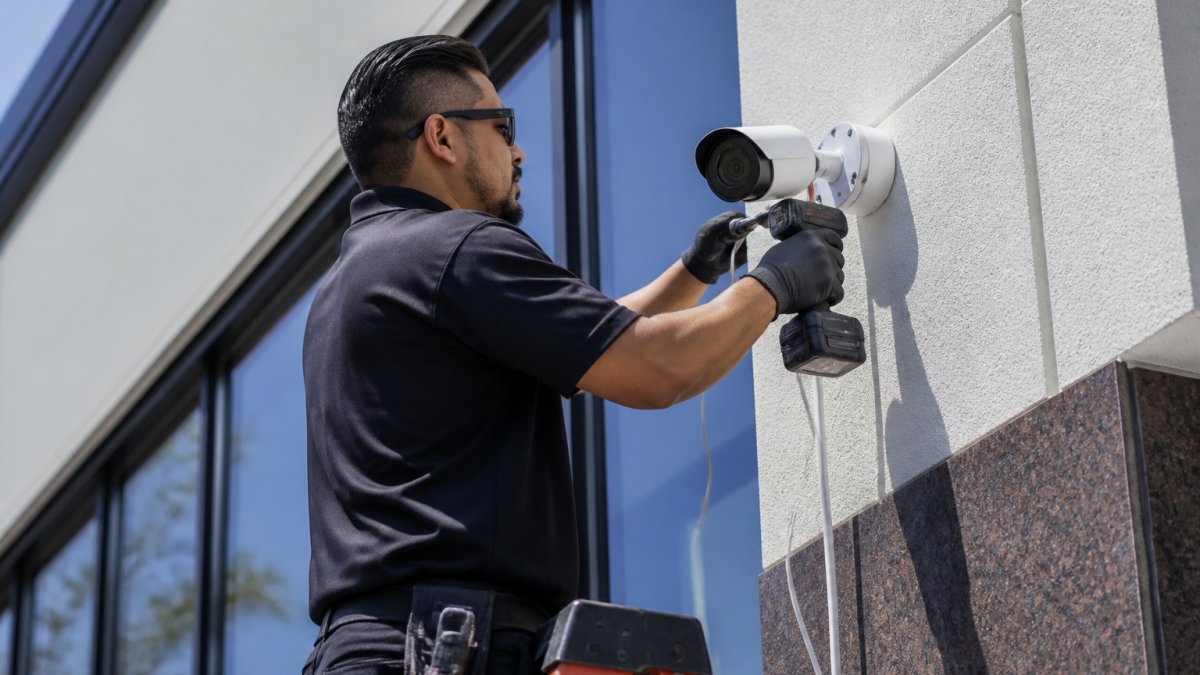
A residential installation usually finishes in a single visit. Wood-frame walls, open attics, and short cable runs keep the job simple. Two technicians can mount four cameras, run cable, and configure the recorder in about half a day.
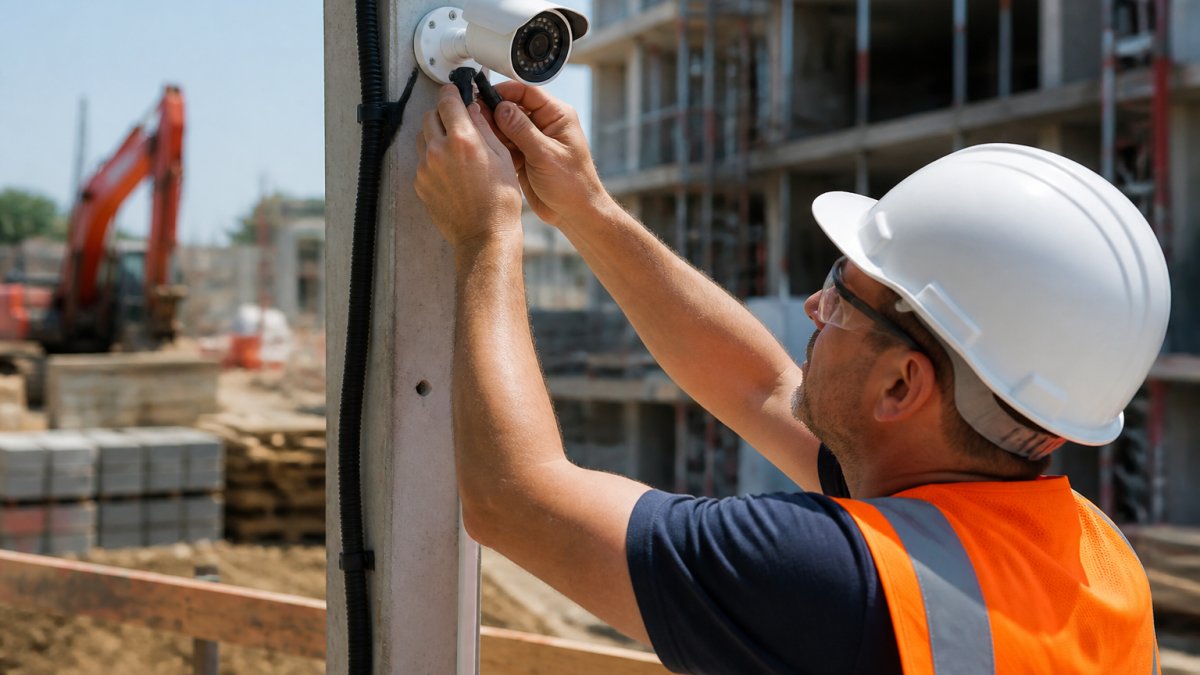
Commercial installation is a different animal. Concrete, brick, and steel studs slow every mount. Drop ceilings help, but plenum spaces and fire-rated walls add steps. A retail store or office with eight cameras often needs a full day. A warehouse or multi-floor medical office can take two to three days.
| Property Type | Camera Count | Typical Time |
|---|---|---|
| Home | 2-4 | 2-4 hours |
| Small office or clinic | 4-8 | 1 day |
| Retail or restaurant | 8-12 | 1-2 days |
| Warehouse or multi-floor site | 12-20 | 2-5 days |
Wired vs. Wireless: How System Type Changes the Clock
Wired camera systems take longer to install but deliver steadier results. Pulling cable through walls and ceilings is the slowest single task in any job. A wired run to a distant camera can eat an hour on its own.
Wireless cameras cut cabling time, but they are not instant. Each unit still needs power, a mounting point, and a stable network connection. Weak Wi-Fi at the far corner of a building means adding an access point, which adds time back.
IP cameras sit in the middle. They use one cable for both power and data, so a single run replaces two. That one detail often saves an hour or more per camera on larger jobs. For most commercial sites, wired or IP cameras are often recommended over wireless for reliability.
What Happens During the Security Camera Installation Process
The security camera installation process follows a fixed sequence: pre-installation survey and preparation, rough-in, mounting, configuration, testing, and handover. Most guides describe the sequence but never say where the hours actually go. Here is the phase-by-phase breakdown, with realistic ranges for a small home, a larger home, and a commercial site.
Pre-Installation Survey and Preparation
A site survey is the step that saves the most time later. During the survey, the installer maps camera placement, checks power sources, traces cable paths, and confirms network capacity. A good survey takes one to two hours on a small site and half a day on a large one.
Preparation matters too. Clear access to attics, ceilings, and closets. Move anything blocking a planned camera view. Confirm someone on site can answer questions about network credentials and after-hours access. If the property has a landlord, HOA, or building manager, get written permission for drilling and cable routing before the crew arrives, a missing approval is one of the most common reasons an appointment gets pushed to another day.
Learn more about our services today! →
Installation Day: A Step-by-Step Timeline
Here is how a typical one-day commercial job unfolds, with hour ranges that scale up or down by property type:
- Arrival and walkthrough (15-30 minutes)
- Mounting brackets and cameras (1-3 hours, depending on wall material and camera count)
- Running cable and drilling (1-4 hours, the single most variable phase)
- Connecting power and network (30-60 minutes)
- Configuring the recorder and remote viewing (30-90 minutes)
- Testing coverage, motion detection, and alerts (30-60 minutes)
- Handover and user training (15-30 minutes)
Smaller jobs compress this list. Larger ones spread it across several days. If your installer skips the walkthrough or rushes testing, expect problems later.
Time Estimates by System Size and Property Type
| Property Type | Camera Count | On-Site Install Time |
|---|---|---|
| Small home | 2-4 | 2-4 hours |
| Larger home | 4-8 | 4-8 hours |
| Small office or clinic | 4-8 | 1 day |
| Retail or restaurant | 8-12 | 1-2 days |
| Warehouse or multi-floor site | 12-20 | 2-5 days |
These ranges assume a pre-installation survey has already been completed and the equipment is on site. If either is missing, add time.
On-Site Install Time vs. Scheduling Lead Time
One of the most common sources of confusion is the difference between hours on site and days waiting for the appointment. On-site install time is the labor described above. Scheduling lead time is everything that happens before the crew arrives: the survey, equipment ordering, permits, and the installer's calendar. In busy seasons, scheduling lead time can run several days to a few weeks even when the install itself is a single morning. If you have a deadline, book the survey first and treat the install date as a separate milestone.
Post-Installation Testing and Training
Testing and training are the final phases, and they deserve real time. Budget one to two hours for a small system and half a day for a large one. Testing covers live view from every camera, recording and playback, motion detection zones, remote viewing on phone and desktop, night vision range, and alert notifications. Training is the last step: whoever watches the cameras needs to know how to pull footage, export a clip, and add a user. A short walkthrough now prevents a panicked call later.
Factors That Extend Surveillance Installation Time
Five things push a job past its estimate, and most of them live in the building, not the box. Each one has a mechanism and a rough time impact, so you can predict which ones apply to your site before the crew arrives.
- Building size and layout. Long cable runs and multiple floors add hours. A camera on the far side of a warehouse may need a run of several hundred feet, which can take an hour or more on its own once you account for fishing cable through walls and ceilings.
- Wall material. Concrete, brick, and plaster require special bits and anchors, and each mount can take two to three times longer than a wood-frame mount. A 1950s office with plaster walls can take twice as long as a new build with the same camera count.
- Cable routing and drilling. Finished walls, no attic access, and fire-rated assemblies slow every run. Plenum spaces above drop ceilings add steps because cable has to meet code for that environment.
- Power supply gaps. Cameras far from an outlet need new circuits or power-over-Ethernet injectors, which adds a step that is easy to miss during the estimate.
- Network limits. Old switches or weak Wi-Fi force upgrades mid-job. A camera that cannot hold a stable connection will not record reliably, so the installer has to fix the network before the system can be signed off.
Retrofit Jobs and Older Buildings
Retrofit jobs in older buildings are the worst offenders. Asbestos-containing materials, knob-and-tube wiring, and unmarked studs all add discovery time. If the building predates the 1980s, budget extra for a survey that includes a look inside the walls and above the ceiling.
Scheduling Lead Time Is Separate from Install Time
Scheduling lead time is not the same as install time, and mixing the two is the most common planning mistake. Lead time includes the survey appointment, equipment ordering, any permit or landlord approval, and the installer's calendar. In busy seasons, lead time can run several days to a few weeks even when the install itself is a single morning. If you have a hard deadline, book the survey first and treat the install date as a separate milestone.
Security Camera Placement Tips That Save Time and Improve Coverage
Good camera placement tips cut both installation time and blind spots. Decide placement during the survey, not on a ladder.
- Cover every entry and exit first.
- Aim cameras slightly downward to catch faces, not ceilings.
- Overlap fields of view so no gap exists between cameras.
- Keep cameras out of direct sun and headlight glare.
- Mount high enough to deter tampering, low enough to identify faces.
Each camera you reposition after mounting costs time. Getting placement right on paper first is the cheapest hour you will spend.
DIY vs. Professional Installation: Time, Tools, and Trade-offs
DIY installation saves labor cost but usually takes two to four times longer than a professional job. You also need the right tools: a drill with masonry bits, a fish tape, a crimping tool, a ladder, and a cable tester.
Professional installation brings speed and a warranty. A trained crew knows where to drill, how to route cable cleanly, and how to configure the recorder so remote viewing works on the first try.
Learn more about our services today! →
The real difference shows up in troubleshooting. When a camera drops offline at 9 p.m., a DIY setup leaves you searching forums. A professional install comes with support. At Computer Experts Corp, our team provides 24/7 support and on-site help, so a dead camera is a phone call, not a weekend project.
Security Camera System Setup and Testing After Installation
Setup and testing is the final phase, and it deserves real time. Budget one to two hours for a small system and half a day for a large one.
Testing covers:
- Live view from every camera
- Recording and playback
- Motion detection zones
- Remote viewing on phone and desktop
- Night vision range
- Alert notifications
Training is the last step. Whoever watches the cameras needs to know how to pull footage, export a clip, and add a user. A short walkthrough now prevents a panicked call later.
Conclusion: Planning Your Surveillance Installation Timeline
The real challenge with surveillance installation is not the cameras. It is the cabling, the building, and the planning. Get those right and the timeline holds.
Computer Experts Corp offers surveillance systems across the Bay Area. We handle the site survey, camera placement, cabling, recorder configuration, and testing, and we back it with 24/7 support and on-site help when something needs attention. Our team works with medical, legal, and commercial clients who need coverage they can trust.
Get started with Computer Experts Corp and put a surveillance system in place that records, alerts, and holds up when you need the footage.
Frequently Asked Questions
Can security cameras be installed in one day?
Most residential systems with four to eight cameras can be installed in a single day, typically within four to eight hours. Commercial installations involving multiple buildings, extensive cable runs, or more than twelve cameras often require two or more days. The determining factors are system size, building layout, and whether the property already has existing cabling infrastructure.
Do I need an electrician to install security cameras?
In most cases, no. Modern security cameras typically use low-voltage power through PoE (Power over Ethernet) or plug-in adapters, which a qualified installer can handle without a licensed electrician. However, if your installation requires running new electrical lines to power outlets or modifying your building's electrical panel, you will need a licensed electrician. Professional installation companies coordinate this for you.
What factors affect the time needed to install security cameras?
The biggest factors are the number of cameras, wired versus wireless system type, building size and layout, cable routing complexity, and whether drilling through concrete or brick is required. Retrofit installations in older buildings take longer because installers must work around existing infrastructure. Pre-installation site surveys help identify these challenges before installation day.
How long does it take to set up and test a surveillance system after cameras are mounted?
Setup and testing typically add one to two hours to the installation. This includes configuring the recorder, connecting cameras to the network, setting motion detection zones, adjusting field of view for each camera, and verifying remote viewing access. Post-installation testing ensures every camera captures clear footage and the recording system stores it correctly before the installer leaves.