 listicle
5 Best Network Monitoring Tools for Business in 2026
Table of Contents
- Quick Comparison: 5 Best Network Monitoring Tools for Business
- 1. SolarWinds Network Performance Monitor: Best for Deep Multi-Vendor Visibility
- 2. Datadog: Best for Cloud-Native Businesses and DevOps Teams
- 3. Paessler PRTG Network Monitor: Best All-in-One for Small Business
- 4. LogicMonitor: Best for Hybrid and Multi-Cloud Environments
- 5. Auvik: Best for Automated Network Documentation and MSPs
- Network Monitoring Software Pricing: What to Expect
- Network Monitoring Best Practices for IT Teams
- Frequently Asked Questions
Last Updated: October 14, 2026
Quick Comparison: 5 Best Network Monitoring Tools for Business
The best network monitoring tools for business in 2026 balance visibility, automation, and cost.
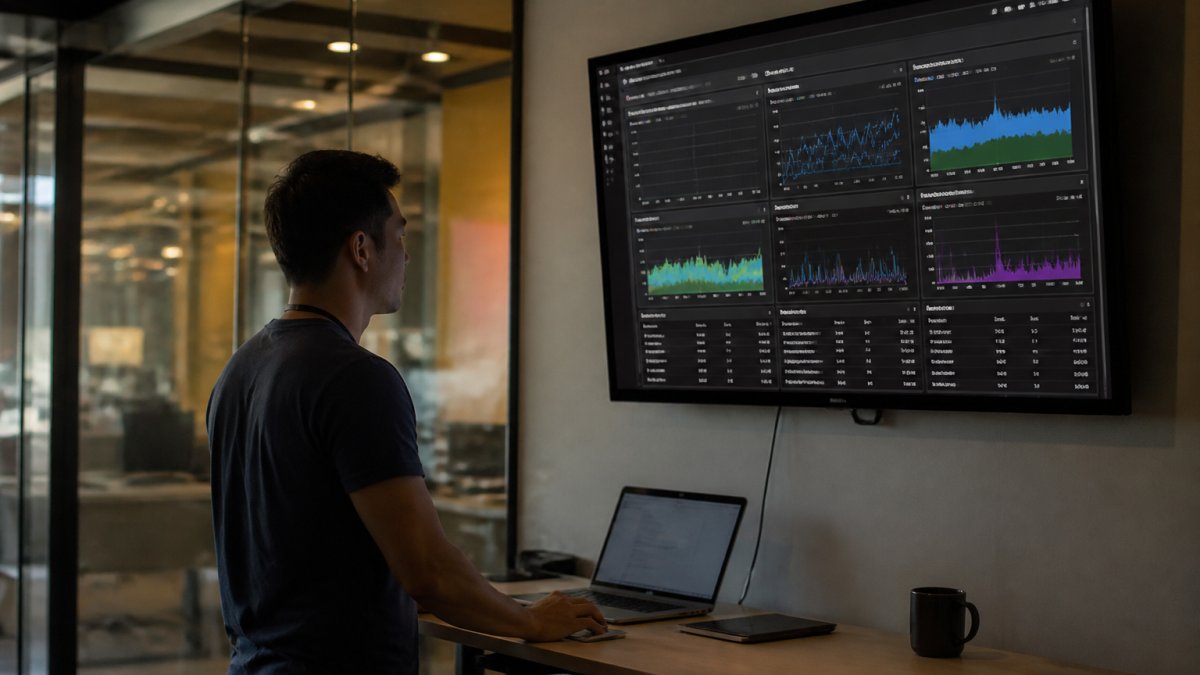
Network monitoring tools are software platforms that continuously track the health, performance, and security of your network devices, servers, and traffic. They alert you before small issues become outages.
Here is the uncomfortable truth most vendor pages skip: the tool matters less than whether anyone acts on its alerts.
Below, we break down what each platform does well, what it costs, and who should skip it.
Quick Picks:
- Best for Cloud-Native Teams: Datadog
- Best All-in-One for Small Business: Paessler PRTG
- Best for Deep Multi-Vendor Visibility: SolarWinds NPM
- Best for Hybrid Environments: LogicMonitor
- Best for Automated Documentation: Auvik
1. SolarWinds Network Performance Monitor: Best for Deep Multi-Vendor Visibility
SolarWinds Network Performance Monitor is the strongest pick for large enterprises that need end-to-end visibility across equipment from many different manufacturers.
The topology mapping is the standout feature. When a core switch drops, the dynamic map shows exactly which downstream devices went dark. For a hospital network with hundreds of endpoints, that saves hours of manual tracing.
The tradeoff is real. New users report a steep learning curve, and the interface assumes you already understand SNMP, flow data, and polling intervals.
2. Datadog: Best for Cloud-Native Businesses and DevOps Teams
Datadog is the best choice for cloud-native companies that want network, infrastructure, and application metrics on one screen.
The unified dashboard is what sells it. Your engineers see a slow API call, the network traffic behind it, and the cloud instance serving it without switching tools.
The warning: costs scale fast. High data volume or many custom metrics can push the bill well past your estimate. Set budget alerts before you roll it out broadly.
3. Paessler PRTG Network Monitor: Best All-in-One for Small Business
PRTG is our pick for network monitoring tools for small business because it covers devices, bandwidth, servers, and virtual environments in one package.
The sensor system is genuinely flexible. Each sensor watches one thing: a port, a disk, a service, a bandwidth threshold.
The catch is the licensing model. Costs climb as your network grows because you pay per sensor. A small practice today can become an expensive license in three years.
4. LogicMonitor: Best for Hybrid and Multi-Cloud Environments
LogicMonitor suits mid-market and enterprise organizations running a mix of on-premises hardware and cloud services. It uses an agentless design, so deployment is fast and you do not install software on every device.
Predictive alerting is the differentiator. The platform studies historical performance and warns you when a trend suggests a failure is coming, rather than waiting for a threshold to break.
Custom environments need configuration work. If your setup is unusual, expect to spend time tuning. Pricing comes by quote based on device count.
5. Auvik: Best for Automated Network Documentation and MSPs
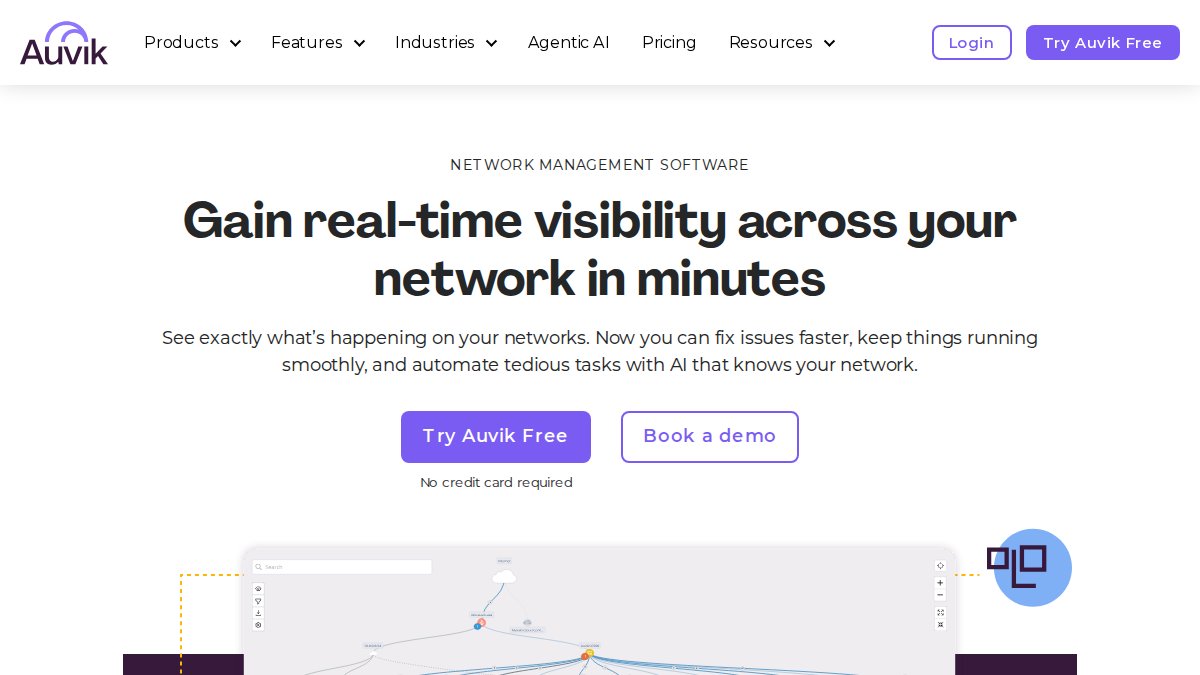
Auvik wins on documentation. It automatically maps your topology, tracks inventory in real time, and backs up device configurations, which is exactly what managed service providers need across many client sites.
Learn more about our services today! →
For an IT department without an MSP, the automatic config backups alone justify a look. When a router dies, you restore the last known-good configuration instead of rebuilding from memory.
Advanced performance analytics are thinner than enterprise suites. If deep packet analysis is your priority, pair Auvik with another tool. Pricing requires contacting the vendor.
Network Monitoring Software Pricing: What to Expect
Network monitoring software pricing falls into three models: per-host subscriptions, per-sensor licenses, and flat enterprise quotes. Datadog charges $5 per host per month on its usage-based plan. PRTG starts at $2,149 per year for a perpetual license, with a free tier capped by sensor count. SolarWinds NPM, LogicMonitor, and Auvik quote per environment and require a sales conversation.
| Tool | Pricing Model | Starting Point | Free Tier |
|---|---|---|---|
| Datadog | Usage-based subscription | $5/host/month | Yes |
| Paessler PRTG | Perpetual license by sensor | $2,149/year | Yes |
| SolarWinds NPM | Subscription or perpetual | Contact vendor | No |
| LogicMonitor | Subscription by device count | Contact vendor | No |
| Auvik | Subscription | Contact vendor | No |
What actually drives the bill up
The sticker price is rarely the number that hurts. Three variables move the total more than the base rate:
- Host or device count. Per-host and per-device models scale linearly. A 40-host environment on a $5/host/month plan runs about $200 per month before any add-ons. Double the hosts and you double the line item.
- Sensor or metric volume. PRTG's sensor model means every port, disk, service, and bandwidth threshold you switch on is a billable unit. A single 48-port switch can consume dozens of sensors. Teams that "turn on everything" during setup often discover the cost only at renewal.
- Data retention and custom metrics. Usage-based platforms charge for the volume of metrics and logs you keep and how long you keep them. Custom dashboards and high-cardinality metrics are common culprits behind a bill that lands well above the initial estimate.
The cost nobody quotes you
The hidden cost is not the license. It is the staff time to configure alerts, tune thresholds, and respond to what fires. A common pattern is a small team buying an enterprise tier, configuring a fraction of it, and paying full price for features nobody touches. Budget for the labor before you sign, not after.
How to compare quotes fairly
When vendors quote per environment, ask three questions before you compare numbers: How many devices or hosts does this cover? What is the renewal price versus the first-year price? And what happens to the rate if your environment grows 30 percent? A low first-year quote with a steep renewal is not a bargain. Normalize every quote to a per-device, per-year figure so the comparison is apples to apples.
Network Monitoring Best Practices for IT Teams
Network monitoring best practices start with three rules: alert on what you will act on, document what normal looks like, and review your thresholds quarterly. Most failed deployments drown in noise, not missing features. The list below goes past the generic advice and into the parts most guides skip, including the human side of an alert that fires at 2 a.m.
- Baseline before you alert. Run the tool for two weeks in observe-only mode. You need to know your normal traffic and CPU patterns before any threshold means anything. A threshold set without a baseline is a guess.
- Cut alert noise ruthlessly. Every alert nobody acts on trains your team to ignore the dashboard. Delete or tune it. A useful target is that every alert that pages someone should have a documented action attached to it.
- Assign ownership. One named person reviews alerts each week. Shared responsibility becomes no responsibility. Rotate the role so the burden does not fall on one person indefinitely.
- Monitor the internet path, not just your hardware. Remote staff and cloud apps fail outside your walls. Tools like Cisco ThousandEyes exist for exactly this gap. If your team is distributed, path monitoring is not optional.
- Back up configurations. Auvik and similar tools automate this. If yours does not, do it manually. A router that dies without a recent config backup turns a 20-minute fix into an all-day rebuild.
The human side of an alert nobody talks about
Most guides treat monitoring as a purely technical exercise. It is not. When an alert fires at 2 a.m. and wakes an on-call engineer, the response depends as much on that person's state as on the tool. Two patterns matter:
- Alert fatigue is a staffing problem, not a software problem. If your team gets 200 alerts a week and acts on 5, the other 195 are training them to ignore the dashboard. Fix the signal-to-noise ratio before you blame the tool.
- Post-incident support matters. After a real outage, the engineer who missed the early warning often carries guilt that makes them slower to escalate next time. A short, blameless review, what the alert showed, what the response was, what changes, keeps the focus on the system instead of the person.
Remote and mobile monitoring gaps
A dashboard that only watches the office network misses where work actually happens now. Remote staff connect over home Wi-Fi, hotel networks, and mobile hotspots. Two practical additions close the gap:
- Monitor the last mile, not just the core. A user on a bad home connection looks identical to a server problem until you separate the two. Endpoint or path monitoring tells you which side is failing.
- Watch mobile and SMS-based threats. Phishing and credential theft increasingly arrive by text and mobile push, not email. If your monitoring stack does not surface unusual authentication attempts from mobile devices, you are blind to a growing share of incidents.
What should a network monitoring dashboard show?
A useful dashboard shows four things: device availability, bandwidth usage, CPU and memory on critical servers, and open alerts sorted by severity. Anything else belongs on a detail page, not the main view. Cluttered dashboards get ignored within weeks.
If managing this in-house stretches your team thin, that is where a managed provider earns its keep. Computer Experts Corp handles network design, monitoring, and 24/7 support for medical, legal, and finance firms, so your staff can focus on their actual jobs.
Frequently Asked Questions
What is the best network monitoring tool for a small business?
Paessler PRTG Network Monitor is often the best fit for small businesses because it offers a versatile, all-in-one solution with a user-friendly interface. It starts at $2,149/year and supports SNMP, WMI, and Flow protocols. For smaller teams, Netdata offers a free open-source option, while Datadog starts at $5 per host per month for cloud-focused businesses. The right choice depends on your specific environment and budget.
How much does network monitoring software cost?
Network monitoring software pricing varies widely. Datadog starts at $5 per host per month on a usage-based model. PRTG starts at $2,149 per year with a perpetual license based on sensor count. Netdata and Zabbix offer free open-source tiers. Enterprise tools like SolarWinds, LogicMonitor, and Dynatrace require contacting sales for custom quotes. Costs scale with device count, data volume, and feature requirements.
What features should business network monitoring software include?
Look for automated device discovery, real-time traffic analysis, customizable alerting, and support for SNMP and flow protocols. A strong network monitoring dashboard should show bandwidth usage, device status, and historical trends. Integration with cloud providers like AWS and Azure is important for hybrid environments. Also check for automated configuration backups and reporting capabilities to support compliance needs.
Can network monitoring tools detect outages before users report them?
Yes. Most network monitoring tools use polling and alerting to detect device failures, bandwidth spikes, or service outages within seconds to minutes. Tools like LogicMonitor and Dynatrace add predictive alerting based on historical data, which can flag degrading performance before a full outage occurs. Setting up threshold-based alerts and notifications ensures your IT team responds before users are impacted.
What is the difference between network monitoring and network security monitoring?
Network monitoring tracks performance, availability, and bandwidth usage of devices and links. Network security monitoring focuses on detecting threats like malware, unauthorized access, and data exfiltration. Some tools overlap, but for comprehensive protection you often need both. For businesses handling sensitive data, pairing performance monitoring with security tools and regular best practices reviews is essential for compliance and incident response.
Your network will fail at some point. The question is whether you find out from a monitoring alert or from a frustrated employee who cannot open a patient chart. Computer Experts Corp provides 24/7 IT support, on-site and remote response, and network design built for practices that cannot afford downtime. Get started with Computer Experts Corp and keep your infrastructure secure and running.