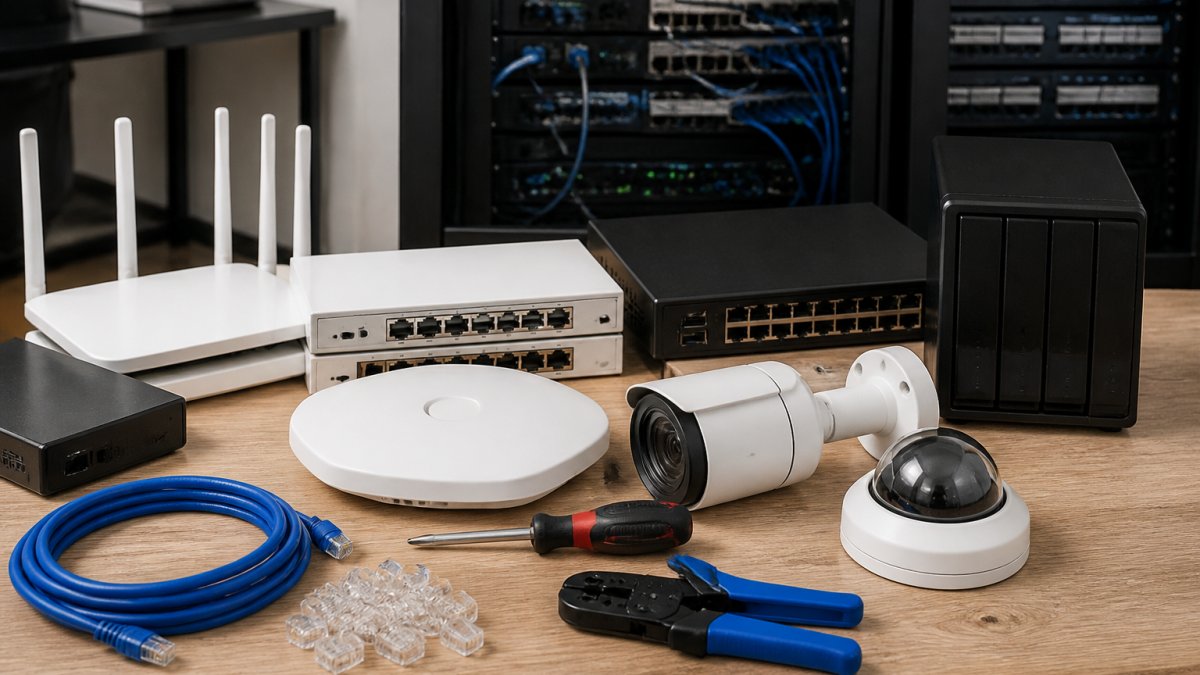
 listicle
Network Segmentation for Small Business: 7 Key Benefits
Table of Contents
- Why Network Segmentation Matters for Small Business
- How Network Segmentation Works to Protect Your Business
- Network Segmentation Best Practices for Small Organizations
- Real Network Segmentation Examples for Small Businesses
- How to Segment a Business Network: Step-by-Step Implementation
- VLANs for Small Business: Logical Segmentation Made Practical
- Security, Performance, and Compliance: The Real ROI
- Conclusion
- Frequently Asked Questions
Last Updated: October 21, 2026
Why Network Segmentation Matters for Small Business
Network segmentation for small business divides your network into separate zones, each with its own security controls and access rules.
Small businesses run lean, so one successful cyberattack can shut you down for days.
Segmentation limits how far an intruder can travel: your accounting server stays separate from guest Wi-Fi, patient records sit behind additional walls, and cloud infrastructure operates under its own access policies.
Segmentation also reduces congestion, simplifies compliance audits, and gives you visibility into your infrastructure. Computer Experts Corp helps small practices and startups implement segmentation strategies that can reduce security incidents while improving reliability.
How Network Segmentation Works to Protect Your Business
Network segmentation creates boundaries that control traffic flow and access permissions. When a device tries to communicate across a segment boundary, your security policy decides whether that conversation is allowed.
Most small businesses start with logical segmentation because it's faster and cheaper.
The protection comes from least privilege: each device and user gets only the access they need. Marketing doesn't need payroll data; IoT devices don't need your database server.
When ransomware breaches one segment, it cannot spread laterally. Your accounting system keeps running even if your email server is compromised, containment prevents a single incident from becoming a catastrophic breach.
Network Segmentation Best Practices for Small Organizations
The hardest part isn't firewall configuration, it's deciding what to isolate first with limited time and budget. Here's a prioritization method for a small team.
Step 1: Build a simple asset inventory
Before you can prioritize, you need a list. For a small office this takes a few hours with a spreadsheet:
- Every device that connects to your network (computers, phones, printers, cameras, point-of-sale terminals, IoT sensors)
- Every server and cloud service
- What data each one touches (customer records, payment data, health information, intellectual property, nothing sensitive)
- Who needs to reach it
You don't need a fancy tool, your router's DHCP lease table, a network scanner, and a walk-through get you 90% of the way.
Step 2: Rank by risk, not by convenience
Score each asset on two questions: How bad is it if this is compromised? and How likely is it to be attacked? Then isolate in this order:
- Payment systems and financial data, point-of-sale, accounting servers, payroll. Highest impact, and PCI-DSS expectations apply if you take cards.
- Guest and public Wi-Fi, visitors and contractors should never be able to reach internal systems. This is usually the easiest win and the one most small businesses skip.
- IoT and smart devices, cameras, printers, thermostats, and sensors are notoriously hard to patch. Put them on their own segment so a compromised camera can't reach your file server.
- Regulated data, patient records, client financials, or anything covered by HIPAA or similar rules.
- General employee network, the everyday workspace, segmented from everything above.
Step 3: Define segments and default-deny rules
A typical small business ends up with three to five segments:
- Internal business network, employees, file servers, accounting systems
- Guest network, visitors and contractors, internet-only
- IoT/device network, printers, cameras, smart devices
- Critical systems, regulated or high-value data with the strictest controls
- Cloud services, SaaS applications and backups, governed by identity rules
Each segment gets its own firewall policy, and the default should be deny: traffic between segments is blocked unless a specific rule allows it. That single principle does more for your security posture than any product you can buy.
Step 4: Use identity, not just IP addresses
IP-based rules break when someone works from home or a device gets a new address. Where your firewall supports it, tie access to user identity, who is connecting and what they're reaching. A Zero Trust posture, verifying every request regardless of location, is simpler to audit and fits small teams.
Learn more about our services today! →
Step 5: Document the policy as your baseline
Write down which segments exist, what belongs in each, and what traffic is allowed between them. This is your security baseline: when someone asks for an exception, you have a repeatable process instead of an ad-hoc decision. Update it whenever a rule changes.
Step 6: Monitor and prune
Review inter-segment firewall logs monthly. You'll almost always find unexpected connections: a device reaching somewhere it shouldn't, an overly broad rule, or an old exception nobody remembers approving. Cleaning these up tightens security without adding complexity.
The most common failure mode is treating segmentation as a one-time project. Rules accumulate, exceptions go undocumented, and within a year the segmentation exists on paper but not in practice. Assign an owner and put log review on the calendar.
A note on physical vs. logical
Most small businesses should start with logical segmentation, VLANs and firewall rules on existing hardware. Physical segmentation provides stronger isolation but is rarely worth the cost for a small office; reserve it for the highest-risk environments, such as a payment-processing area or a lab with regulated equipment.
Prioritize in this order: guest Wi-Fi, IoT devices, payment and financial systems, regulated data, then the general employee network. Default-deny between segments, document the policy, and review logs monthly. That sequence delivers most of the security benefit at a fraction of a full redesign.
Real Network Segmentation Examples for Small Businesses
A 12-person dental practice might isolate patient records on an internal network with strict access controls (HIPAA compliance), put staff computers and phones on a separate business network, keep guest Wi-Fi isolated, and place backup servers in their own segment accessible only from the backup application.
A 20-person accounting firm puts each client's files in a restricted segment accessible only to the assigned team, keeps internal systems (email, HR, payroll) on a separate segment, and runs cloud storage in its own zone.
A 15-engineer startup separates development and production. Development sits on one segment with more permissive access; production, where customer data lives, sits behind stricter controls, and only specific deployment processes can move code between them.
In each case, segmentation requires no expensive new hardware, just configuring existing firewalls and switches to enforce boundaries. The complexity is thinking through what access each team needs, not the technical implementation.
How to Segment a Business Network: Step-by-Step Implementation
Start small and add complexity as you go. Here's the practical path most small businesses follow.
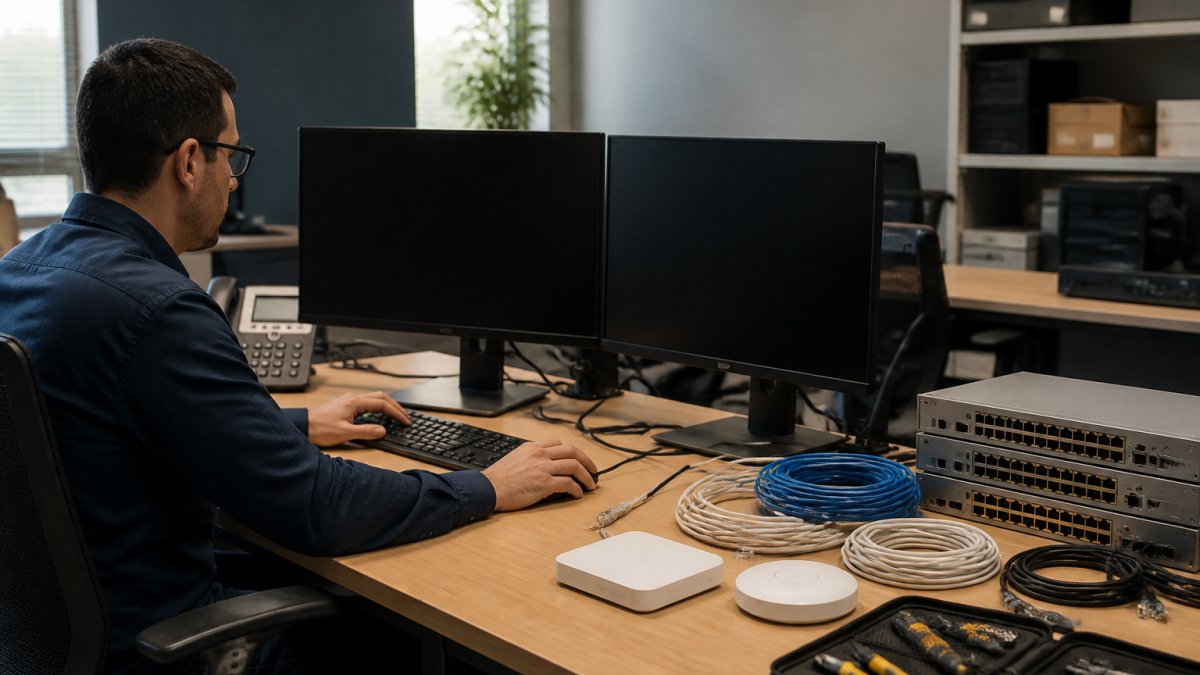
Step 1: Audit your current network. Document every device, server, and cloud service, and identify which systems hold sensitive data.
Step 2: Define your segments. Based on your audit, decide how many segments you need. Most small businesses start with three to five.
Step 3: Configure your firewall. Create rules that allow traffic from segment A to segment B and block everything else.
VLANs for Small Business: Logical Segmentation Made Practical
A VLAN (virtual local area network) is the most practical way to implement network segmentation for small business without buying new equipment.
Here's how it works: you assign each switch port to a VLAN.
Learn more about our services today! →
The beauty of VLANs is that you're not buying new switches or rewiring your office. You're using what you already have.
The trade-off: VLANs require your firewall to enforce security between them. If your firewall isn't configured properly, VLANs don't actually protect you.
For most small businesses, VLANs are the right starting point: cost-effective, no major changes, and real security benefits immediately.
Security, Performance, and Compliance: The Real ROI
Most articles on segmentation stop at "it improves security." That's true, but it doesn't help you decide whether to spend the money. Here's the honest cost-and-outcome picture, including the trade-offs nobody puts in the brochure.
What segmentation actually costs
There is no single price tag, because the cost depends on what you already own. A common pattern for a 10-50 person office:
- Hardware: $0 to $2,500. If your existing managed switch supports VLANs and your firewall supports inter-VLAN rules, you may need nothing new. If you're on consumer-grade gear, a small-business firewall with VLAN support typically runs $400-$1,500, and a VLAN-capable switch $200-$800.
- Software/licensing: $0 to $3,000 per year. Many firewalls include the policy engine you need. Advanced features, identity-based rules, logging, centralized management, may require a subscription.
- Labor: This is the big variable. A network consultant typically charges $125-$250 per hour. A basic three-to-five-segment design, configuration, and testing for a small office commonly lands in the 20-40 hour range, or roughly $2,500-$10,000.
- Ongoing management: Expect 2-5 hours per month for log review, rule changes, and troubleshooting, or a managed-service agreement in the $300-$1,500 per month range depending on scope.
The staffing reality
You do not need a full-time security engineer. You do need someone who owns the firewall rules and reviews logs. In a small business that's usually one of three arrangements:
- An existing IT generalist who learns VLAN and firewall configuration, realistic for a 20+ person company with a dedicated IT person.
- A managed service provider (MSP) that configures and monitors segmentation as part of a broader agreement.
- A one-time consultant for design and initial configuration, with your team handling day-to-day changes.
What you should not do is configure segmentation once and never touch it. Rules drift, staff change, and new devices appear. Budget for review time even if it's an hour a month.
The trade-offs competitors skip
- Misconfiguration is the top risk. A wrong rule can cut off your accounting software from its database or lock staff out of a shared drive. Always test during off-hours and keep a rollback plan.
- Management complexity goes up. More segments means more rules to document and maintain. Three to five segments is manageable for a small team; fifteen is not.
- Troubleshooting gets harder. When something breaks, you now have to ask "which segment and which rule?" Keep good documentation or you'll spend hours chasing connectivity issues.
- Performance gains are real but modest. Segmentation reduces broadcast traffic and congestion, but don't expect dramatic speed improvements unless your flat network was genuinely overloaded.
Measuring whether it worked
Define outcomes before you start so you can prove the investment paid off:
- Incident containment time, how long it takes to isolate an affected segment during an incident.
- Unauthorized access attempts blocked, your firewall logs will show cross-segment traffic that policy denied.
- Audit findings, for regulated businesses, track whether segmentation reduced compliance exceptions.
- Help-desk tickets related to connectivity, should spike briefly during rollout, then settle below baseline as rules stabilize.
For most small businesses, segmentation can be a significant first-year project with modest ongoing costs. The payoff is containment: one compromised device stays one compromised device instead of becoming a company-wide outage.
Conclusion
Network segmentation transforms your security posture from hoping nothing breaks through to accepting that breaches happen, and ensuring they don't take down your entire operation.
Computer Experts Corp designs segmentation strategies tailored to your infrastructure, configures your VLANs and firewall rules, and provides ongoing monitoring to keep your network secure and performant. Our team handles the technical complexity so you can focus on your business. Learn more about our services today!
Frequently Asked Questions
What is network segmentation and why do small businesses need it?
Network segmentation divides your business network into separate zones or segments, each with its own security policies and access controls. Small businesses need it because a single breach on an unsegmented network gives attackers access to your entire infrastructure, patient records, financial data, client files, everything. Segmentation contains the damage by isolating compromised devices and preventing lateral movement across your network.
How does network segmentation prevent ransomware and malware attacks?
When ransomware infects one device on a segmented network, it cannot spread freely to every other computer and server. Access controls and firewall rules between segments stop the malware from moving laterally. For example, if your guest Wi-Fi segment is compromised, ransomware cannot reach your medical records server or accounting systems because they sit on isolated segments with restricted connectivity.
What devices should a small business prioritize for network segmentation?
Start by isolating devices that store sensitive data: medical records servers, financial systems, client databases. Then segment guest Wi-Fi and IoT devices (printers, cameras, smart devices) away from critical business systems. Finally, isolate employee workstations by department or function. This prioritization protects your highest-value assets first while keeping implementation costs manageable for small teams.
Does network segmentation slow down internet speed or network performance?
Properly implemented segmentation has minimal impact on performance. Modern firewalls and VLANs handle segmentation efficiently. In fact, segmentation often improves performance by reducing network congestion, each segment carries less overall traffic, and bandwidth isn't wasted on broadcast traffic reaching unnecessary devices. Poor segmentation design can cause slowdowns, which is why professional implementation matters.