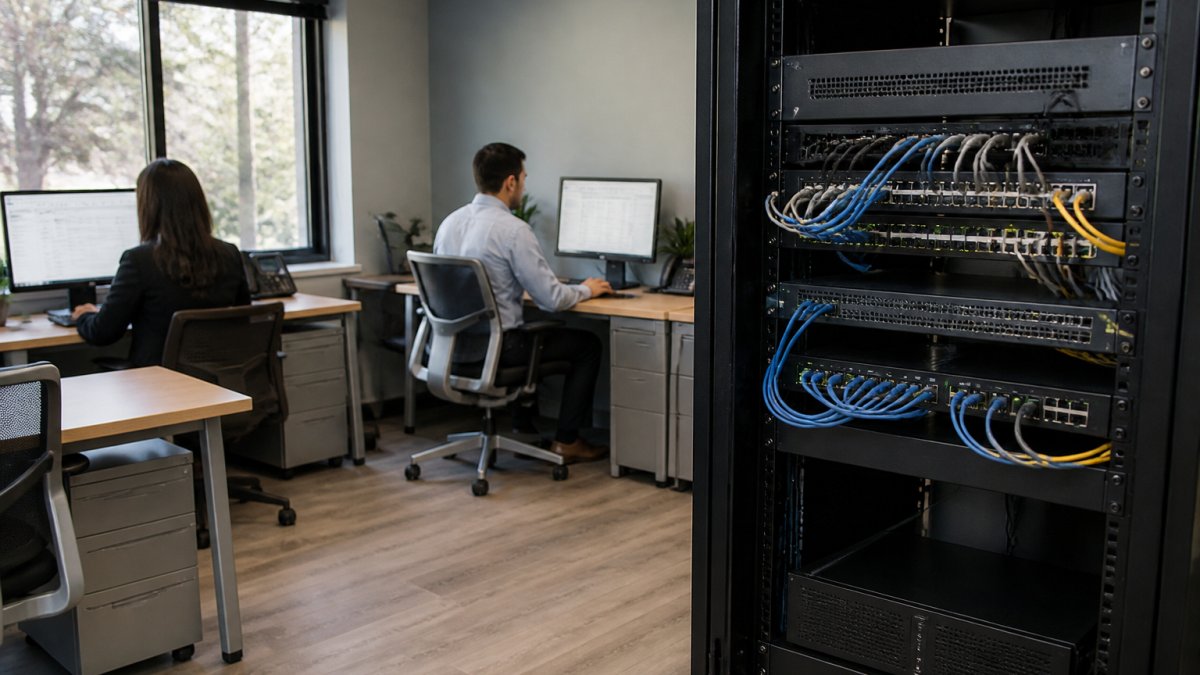
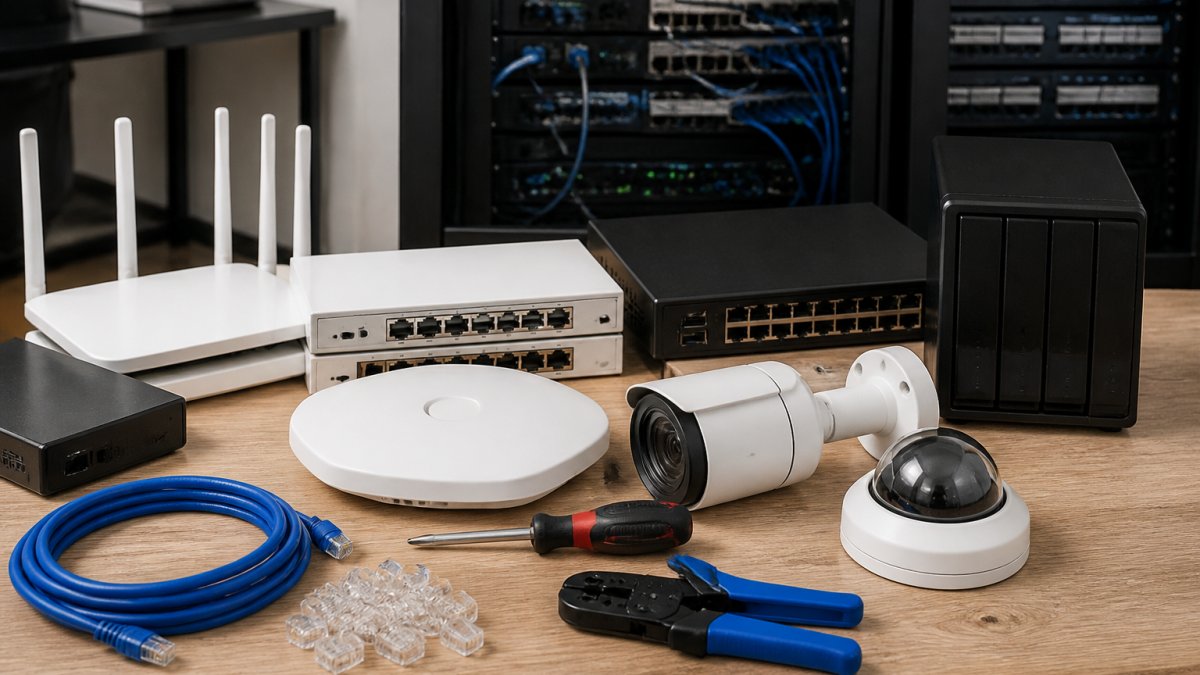
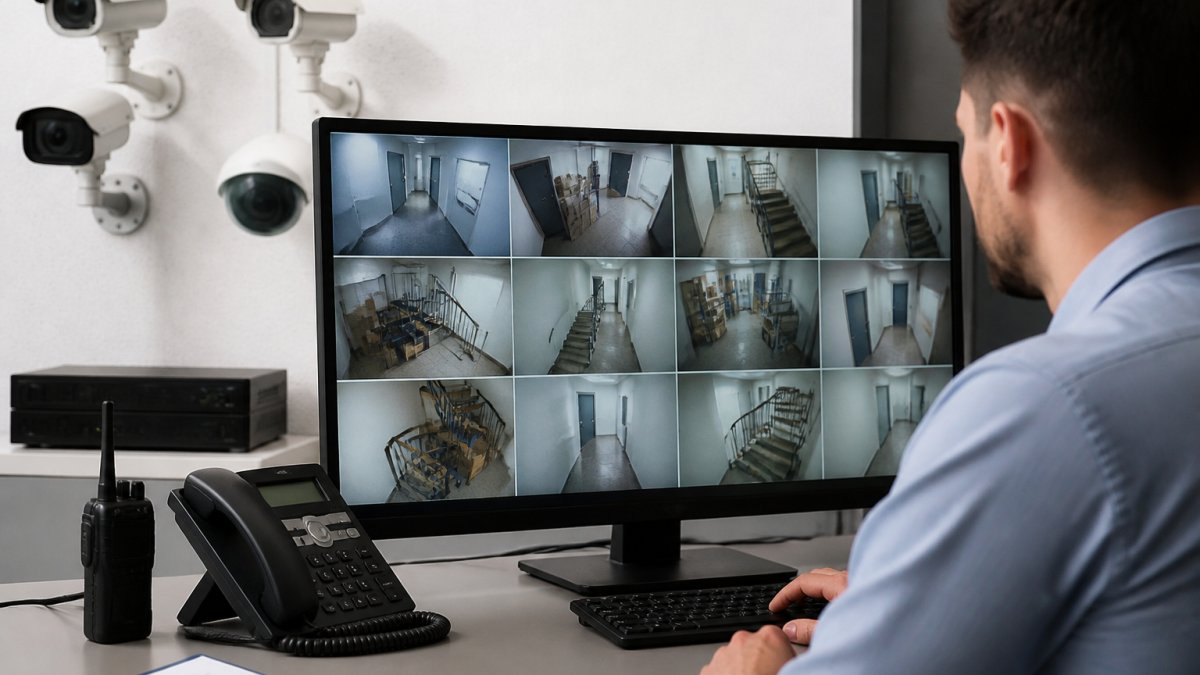
 listicle
Top 5 AI Analytics Features for Site Security
Table of Contents
- Why AI Analytics Features Are Reshaping Site Security
- Quick Comparison: Top 5 AI Analytics Features
- 1. Real-Time Signal Correlation and Anomaly Detection
- 2. AI Video Analytics for Security Cameras
- What Most Buyers Miss: Adversarial AI, ROI, and Legacy Integration
- Frequently Asked Questions
Last Updated: October 14, 2026
Why AI Analytics Features Are Reshaping Site Security
AI analytics features are the automated tools that watch your network, cameras, and cloud apps, then flag what actually matters. At Computer Experts Corp, we have installed and managed these systems for Bay Area businesses.
Traditional security tools run on fixed rules: if traffic matches this signature, raise an alert. That works until attackers change their pattern or your team drowns in noise.
Quick Comparison: Top 5 AI Analytics Features
| Feature | Primary Job | Best For | Biggest Trade-Off |
|---|---|---|---|
| Real-time signal correlation | Connect events across systems | Networks with many log sources | Needs clean data feeds |
| AI video analytics | Detect people and vehicles on camera | Offices, lots, warehouses | Storage and bandwidth cost |
| Automated threat hunting | Investigate and respond without manual triage | Teams short on analysts | Initial workflow mapping |
| Predictive risk modeling | Find weaknesses before exploitation | Fast-changing infrastructure | Model drift over time |
| Compliance automation | Generate audit-ready reports | Regulated industries | Limited to what logs capture |
1. Real-Time Signal Correlation and Anomaly Detection
Real-time signal correlation pulls logs from your firewall, endpoints, cloud apps, and identity systems into one stream, then uses AI to connect events a human would miss.
A single failed login is noise. A failed login from a new location, followed by a large file transfer, followed by a new admin account, is a story.
How Behavioral Analytics Spots What Rules Miss
Behavioral analytics baselines normal activity for every user, device, and account, then scores deviations against it. A receptionist who always logs in at 8 a.m. from the front desk, then suddenly logs in at 2 a.m. from another state, triggers a flag no signature rule would catch.
This matters for medical and legal offices, where a compromised account can expose patient records or privileged case files.
Learn more about our services today! →
Reducing False Positives Without Missing Real Threats
False positives are why security alerts get ignored: when a system cries wolf daily, staff stop reading, and the one real incident slips through.
AI reduces false positives by weighting context. A login from a new device is normal if the user just got a new laptop and passed multi-factor authentication; the same login at 3 a.m. from an unrecognized network is suspicious.
2. AI Video Analytics for Security Cameras
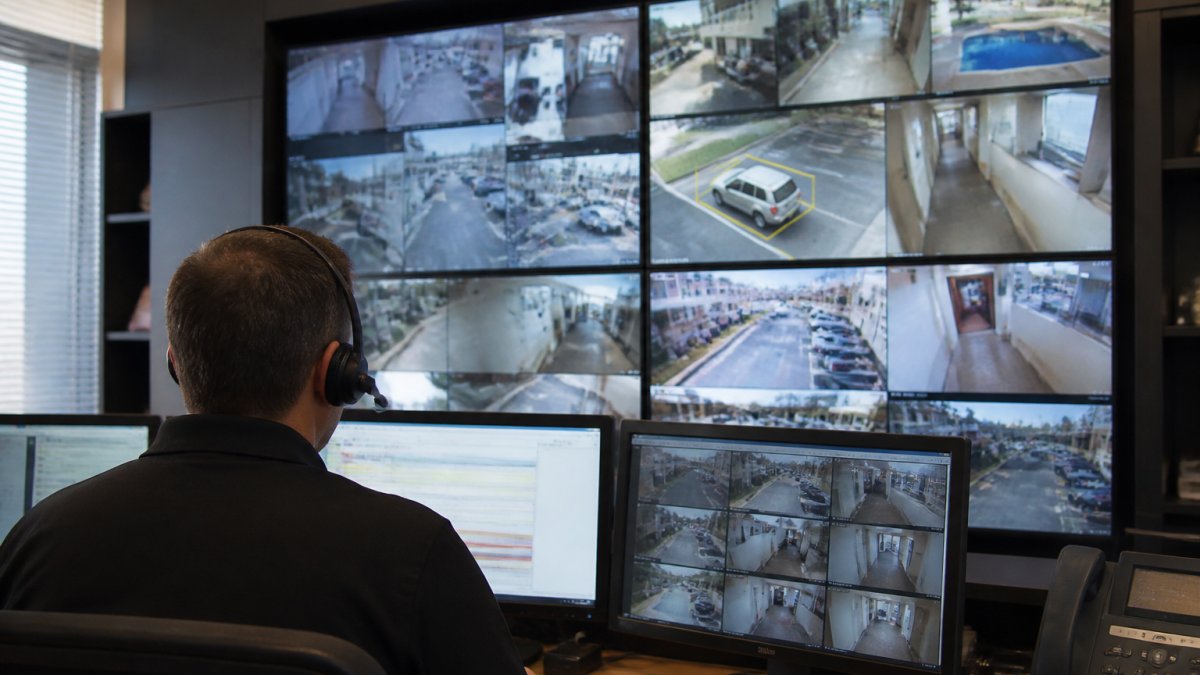
AI video analytics for security cameras turns footage into structured data.
The honest caveat: compliance automation reports on what your logs capture. If a system is not feeding data in, the report has a blind spot, and the auditor will find it.
What Most Buyers Miss: Adversarial AI, ROI, and Legacy Integration
Three things separate a security stack that works from one that just looks good on a purchase order.
Legacy integration decides whether any of it works. Most small and mid-sized businesses run a mix of old and new systems.
That is where a managed provider earns its keep. Computer Experts Corp designs networks, installs surveillance systems, and manages cloud infrastructure for medical, legal, and startup clients across the Bay Area, with 24/7 support and both on-site and remote coverage.
Learn more about our services today! →
The gap between a secure site and a vulnerable one usually comes down to integration, not product choice.
Frequently Asked Questions
What are the most useful AI analytics features for site security?
The five features that deliver the most value are real-time signal correlation with anomaly detection, AI video analytics for cameras, automated threat hunting and incident response, predictive risk modeling with vulnerability management, and compliance automation. Each addresses a different gap: correlation catches threats across systems, video analytics covers physical spaces, automation cuts response time, predictive modeling finds weaknesses before attackers do, and compliance automation keeps audit trails current. Most sites get the best results combining at least three of these rather than relying on one.
How do AI cameras reduce false alarms?
AI surveillance false alarm reduction works by classifying what a camera actually sees before triggering an alert. Instead of firing on any motion, the system distinguishes people from vehicles, animals, or moving branches, and applies behavioral rules like loitering or after-hours presence. This filtering happens at the edge or in the analytics layer, so only events that match your defined threat patterns reach a human reviewer. The result is fewer wasted dispatches and faster attention to genuine incidents.
Are local servers more secure than the cloud for video storage?
Neither option is automatically more secure. Local storage keeps footage on hardware you control, which limits exposure to internet-based attacks but leaves you responsible for physical security, drive failures, and backups. Cloud storage spreads footage across redundant data centers with encryption and access controls, but depends on your network connection and the provider's security posture. For most sites, a hybrid approach works best: local recording for immediate review, cloud backup for disaster recovery and remote access.
Can AI analytics detect unusual activity after hours?
Yes. Behavioral analytics builds a baseline of normal activity for your site, including which doors open, when network traffic peaks, and how people typically move through spaces. When activity deviates from that pattern, such as a badge scan at 2 a.m. or an unusual data transfer, the system flags it for review. This is one of the clearest advantages over static rules, since after-hours anomalies are exactly the kind of signal that traditional threshold alerts tend to miss or drown in noise.
What should businesses consider when choosing local or cloud video storage?
Start with retention requirements, bandwidth, and budget. Local storage usually costs less upfront per terabyte but requires maintenance and physical protection. Cloud storage adds recurring subscription costs but scales easily and supports remote access from any device. Check whether your compliance obligations, such as HIPAA for medical practices, require specific encryption or access logging. Also confirm how each option handles failover if the internet or a drive goes down, since that determines whether you keep recording during an incident.