 listicle
Local Bay Area Onsite IT Support: 2026 Guide
Table of Contents
- What Local Bay Area Onsite IT Support Actually Includes
- Onsite vs Remote IT Support: When Each One Makes Sense
- Top Local Bay Area Onsite IT Providers Compared
- Managed IT Services Cost: What Drives Your Monthly Bill
- IT Support for Startups: Scaling Without Rebuilding
- Onsite IT Security Protocols Your Provider Should Follow
- How to Choose the Right Onsite IT Partner
- Frequently Asked Questions
Last Updated: September 24, 2026
What Local Bay Area Onsite IT Support Actually Includes
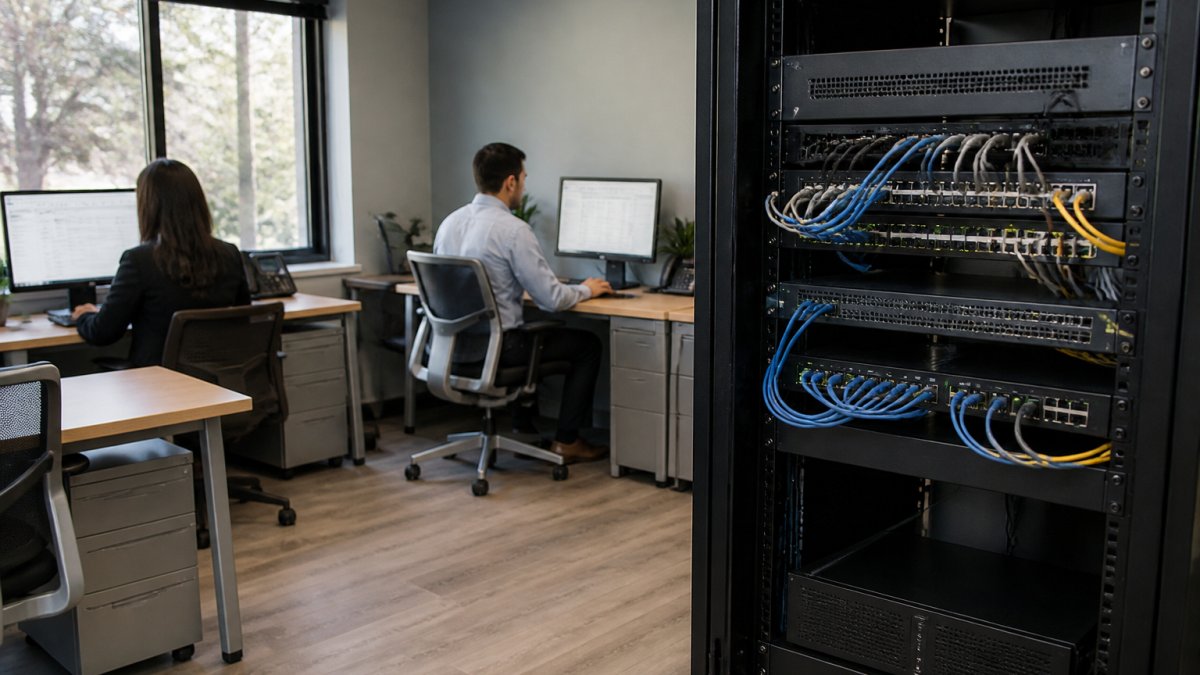
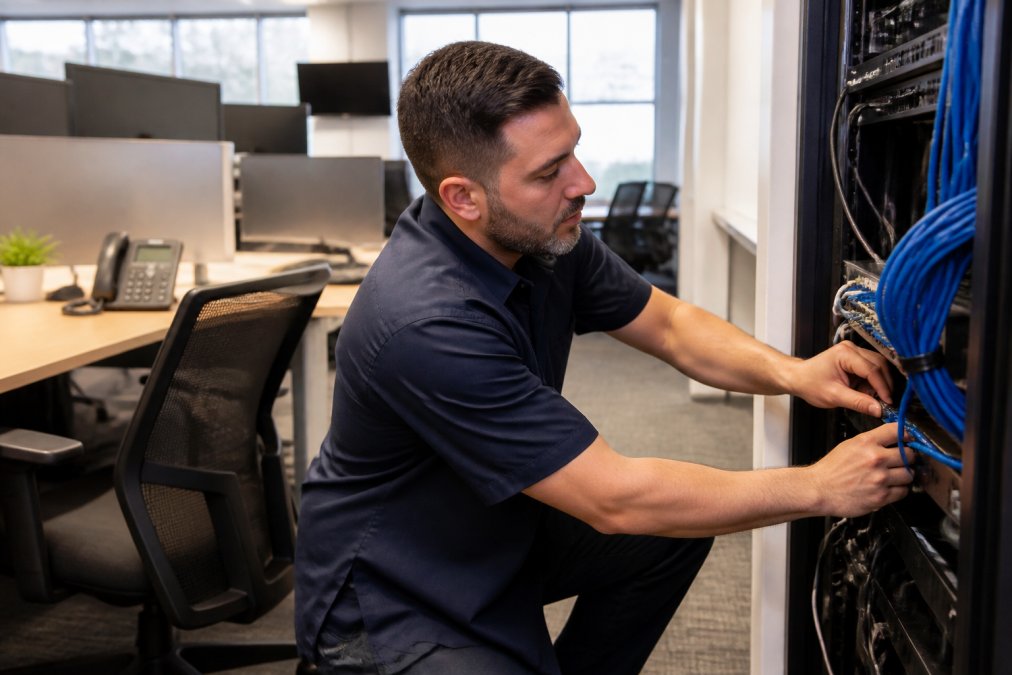
Local Bay Area onsite IT support is hands-on technical service delivered at your physical location by technicians who live and work in the region. This guide from Computer Experts Corp breaks down what that service covers, what it costs, and how to pick a provider. Onsite visits often cover:
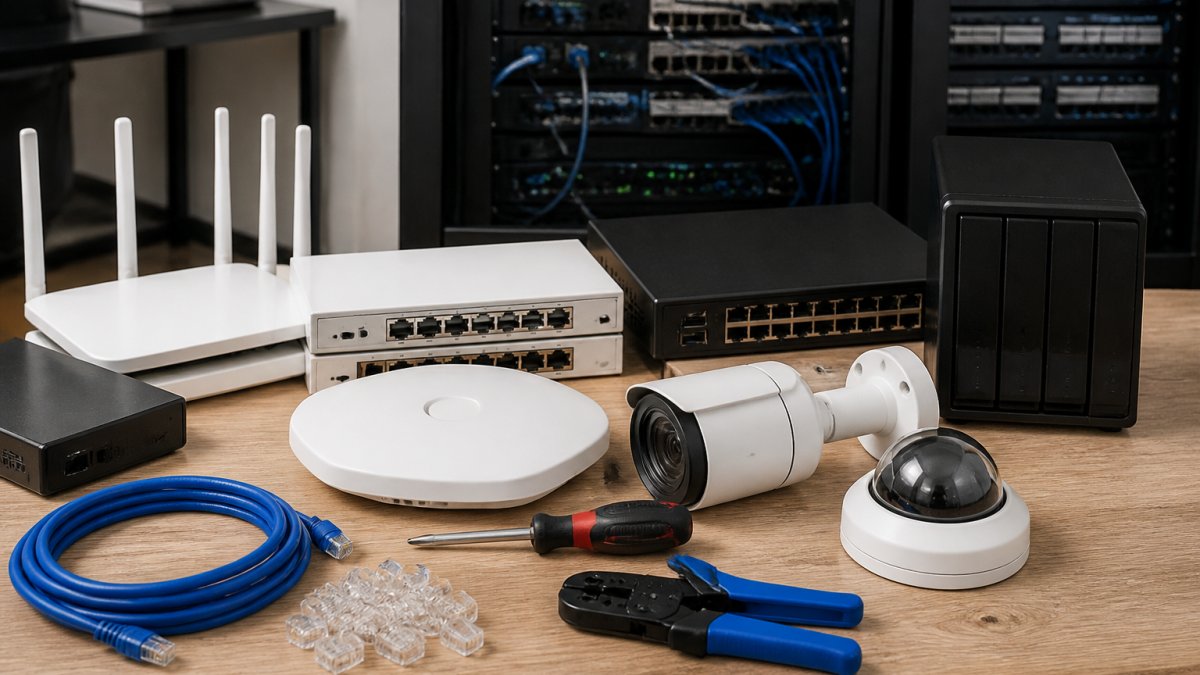
- Physical server and workstation repair
- Network hardware installation and cabling
- Firewall and switch configuration
- Surveillance and camera system setup
- Printer and peripheral troubleshooting
- On-premise software deployment
Onsite vs Remote IT Support: When Each One Makes Sense
Onsite support wins when the problem is physical or when downtime costs more than a truck roll. Remote support wins for software issues, password resets, and routine monitoring. Most businesses need both.
The Cost-Benefit Breakdown
Remote support costs less per incident because there is no travel time. Onsite support costs more per visit but resolves problems remote tools cannot touch. A law firm losing billable hours during an outage will justify onsite response faster than a business that can pause for an afternoon.
- Cost of downtime per hour. Estimate lost revenue plus lost productivity for departments that stop working when the system is down. A billing department that cannot invoice is a different number than a marketing team locked out of a shared drive.
- Probability the issue is physical. Review your last 12 months of tickets. What share required someone to touch hardware, reseat a cable, replace a drive, or inspect a rack? That is your realistic onsite demand.
- Fully loaded cost of an onsite visit. Not just the hourly rate, but travel time, minimum visit charges, and the opportunity cost of a technician driving instead of resolving another ticket.
Response Time SLAs for Onsite Visits
Response time is where providers separate themselves. A service level agreement should state a specific window, not a vague promise. Four-hour and next-business-day response are common tiers. What matters is what happens when the provider misses that window.
Top Local Bay Area Onsite IT Providers Compared
The right provider depends on your industry, growth plans, and how fast you need someone on site. Here is how four established providers stack up.
| Provider | Best For | Onsite Support | Security Focus | Pricing Model |
|---|---|---|---|---|
| Computer Experts Corp | Medical, legal, startups, residential | 24/7 onsite and remote | HIPAA-aligned, surveillance systems | Custom quote |
| Bay Computing Group | Small to mid-sized businesses | Onsite hardware and software | Network monitoring, backup | Custom quote |
| IT Pro Source | East Bay and South Bay offices | 24/7 remote and onsite | Managed firewall, cybersecurity | Subscription |
| CyberDuo | Security-first organizations | Onsite with cloud focus | Threat monitoring, compliance | Custom quote |
Computer Experts Corp
Computer Experts Corp is the Bay Area's oldest IT service provider, and that history shows in how the company handles regulated industries. Medical and dental practices get HIPAA-aligned support. Law firms get reliable on-site repair and crisis recovery. Startups get infrastructure designed to scale without a rebuild in two years.
Bay Computing Group
The drawback is pricing transparency: Bay Computing Group does not publish rates online, so you need a quote before you can compare. That is common in this market but makes budgeting harder up front.
IT Pro Source and CyberDuo
CyberDuo takes a security-first approach with threat monitoring, cloud infrastructure management, and compliance support. The trade-off is cost: CyberDuo positions itself at the higher end, which suits organizations with strict security requirements but may exceed what a small office needs.
Managed IT Services Cost: What Drives Your Monthly Bill
Managed IT services cost depends on four variables: user count, device count, service scope, and response time commitments. Providers rarely publish flat rates because the variables shift so much between clients. Expect a per-user or per-device model with add-ons for specialized work.
What pushes a bill higher:
- More endpoints to monitor and protect
- Compliance requirements like HIPAA that demand documented controls
- Faster response time guarantees
- After-hours and weekend coverage
- Specialized hardware like surveillance or medical imaging systems
IT Support for Startups: Scaling Without Rebuilding
IT support for startups should be designed around growth, not headcount today. A 15-person company needs infrastructure that still works at 60 without a full teardown: cloud-first architecture, scalable identity management, and network gear sized for expansion.
Onsite IT Security Protocols Your Provider Should Follow
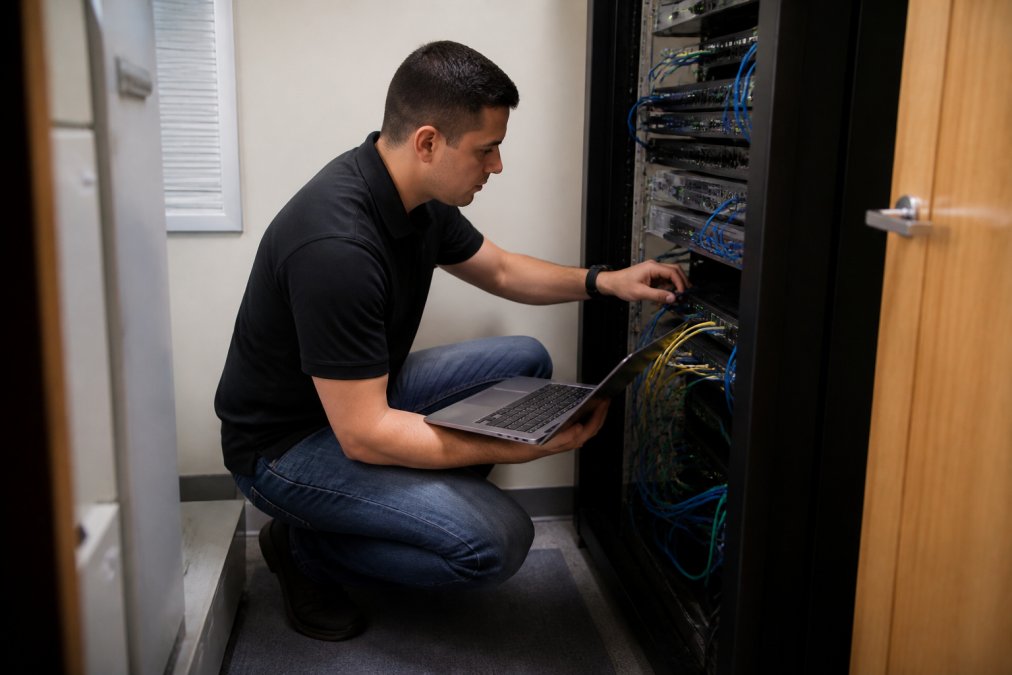
Onsite IT security protocols protect your data when a technician is physically in your building. Any provider entering your office should follow documented procedures for access, device handling, and credential management.
Physical Access Controls
- Background checks on all technicians. Ask whether checks are run at hire, and whether they are re-run periodically. A provider that cannot describe its screening process is a risk.
- Signed access agreements before entering secure areas. The agreement should name the technician, the date, the systems touched, and the scope of work authorized.
- Escort requirements for server rooms and network closets. A technician should not be alone in a room containing your core infrastructure unless the contract explicitly permits it.
- Visitor logs with time in and time out. This is basic, but many small offices skip it. It matters when you need to reconstruct who had access during an incident.
- Badge or key deactivation the same day a technician leaves the provider. Ask how the provider notifies you when a technician departs. If the answer is "we don't," that is a finding.
Device and Credential Handling
- No shared or generic admin passwords. Each technician should use individually attributable credentials so every action is traceable to a person.
- Encrypted laptops and tools used during service. Full-disk encryption is the baseline. Ask whether removable media is permitted, and if so, whether it is encrypted.
- Documentation of every change made to your systems. A change log with timestamps, technician names, and rollback notes is the difference between a resolved incident and an unexplained one.
- Immediate credential rotation after any staff departure. This applies to the provider's staff, not just yours. When a technician who had access to your environment leaves the provider, every credential they touched should be rotated.
- No personal devices on your network. A technician's personal phone or laptop should not join your corporate Wi-Fi. Guest network access at most.
Hardware Disposal and Chain of Custody
This is the most overlooked part of onsite security, and where regulated industries get into trouble. When a drive, server, or workstation leaves your building, you need a documented chain of custody from unplugging to destruction or return.
What a competent provider does:
- Logs the serial number, asset tag, and condition of every device removed from your site
- Provides a signed receipt at pickup and a signed confirmation at disposal
- Uses a certified destruction method (physical shredding or verified wipe) and provides a certificate of destruction
- Never stores your hardware in an unsecured vehicle or an unlogged staging area
How to Choose the Right Onsite IT Partner
Choosing the right partner comes down to five questions. Get clear answers before you sign.
- What is your guaranteed onsite response time, and what happens if you miss it?
- Are your technicians local, or is after-hours support routed to a call center?
- What is included in the monthly fee, and what costs extra?
- How do you handle compliance requirements for my industry?
- Will this infrastructure scale as we grow?
Frequently Asked Questions
What is the difference between remote and onsite IT support?
Remote IT support handles software issues, password resets, and network configuration through a secure connection. Onsite IT support sends a technician to your location for hardware failures, server maintenance, cable runs, and surveillance installation. Most managed service providers combine both. Remote monitoring and management catches problems before they escalate, while onsite visits address anything requiring physical access. For Bay Area businesses, a provider offering both means faster resolution without unnecessary truck rolls.
How much do managed IT services cost for small businesses?
Managed IT services cost depends on user count, server complexity, and whether you need compliance support like HIPAA. Pricing models vary: per-user monthly fees, per-device rates, or custom quotes. Providers rarely publish rates online because every infrastructure differs. Request a quote based on your actual environment. Ask what is included versus billed separately, and confirm whether after-hours support carries extra charges. Computer Experts Corp provides custom quotes tailored to your setup.
How quickly can onsite IT support respond to emergencies?
Response time depends on your service level agreement. Standard contracts often guarantee four-hour onsite response for critical issues during business hours. Premium SLAs may promise two hours or faster. Emergency after-hours coverage varies by provider. When evaluating local Bay Area onsite IT providers, ask for their guaranteed response window in writing and what happens if they miss it. Some providers offer credits or penalty clauses for missed SLAs.
Can IT support for startups scale as we grow?
Yes, if your provider designs infrastructure with growth in mind. Cloud-based systems, scalable network architecture, and modular security tools prevent rip-and-replace scenarios. Tell your provider your headcount projections and compliance roadmap upfront. A good partner will recommend solutions that add users and devices without rebuilding core systems. Ask specifically about cloud migration paths and whether their management tools charge per endpoint or per user.
Downtime, compliance gaps, and infrastructure that cannot scale are expensive problems to fix after the fact. Computer Experts Corp has supported Bay Area businesses since before most of them had networks, with 24/7 onsite and remote support, HIPAA-aligned service for medical and dental practices, and infrastructure design built to grow with your team. Get started with Computer Experts Corp and put a provider in place that shows up when it counts.